

Microsoft deploys a major update with new customization, interface and quality of life features.
More stories in the category Updates
- Crimson Desert receives a major update with cross-save on Xbox and these are all its new features
- Don’t miss the highly anticipated new features coming soon to your Xbox Series
- Microsoft is preparing a major overhaul in Windows 11: this is all the improvements
| Don't miss anything and follow us on Google News! |
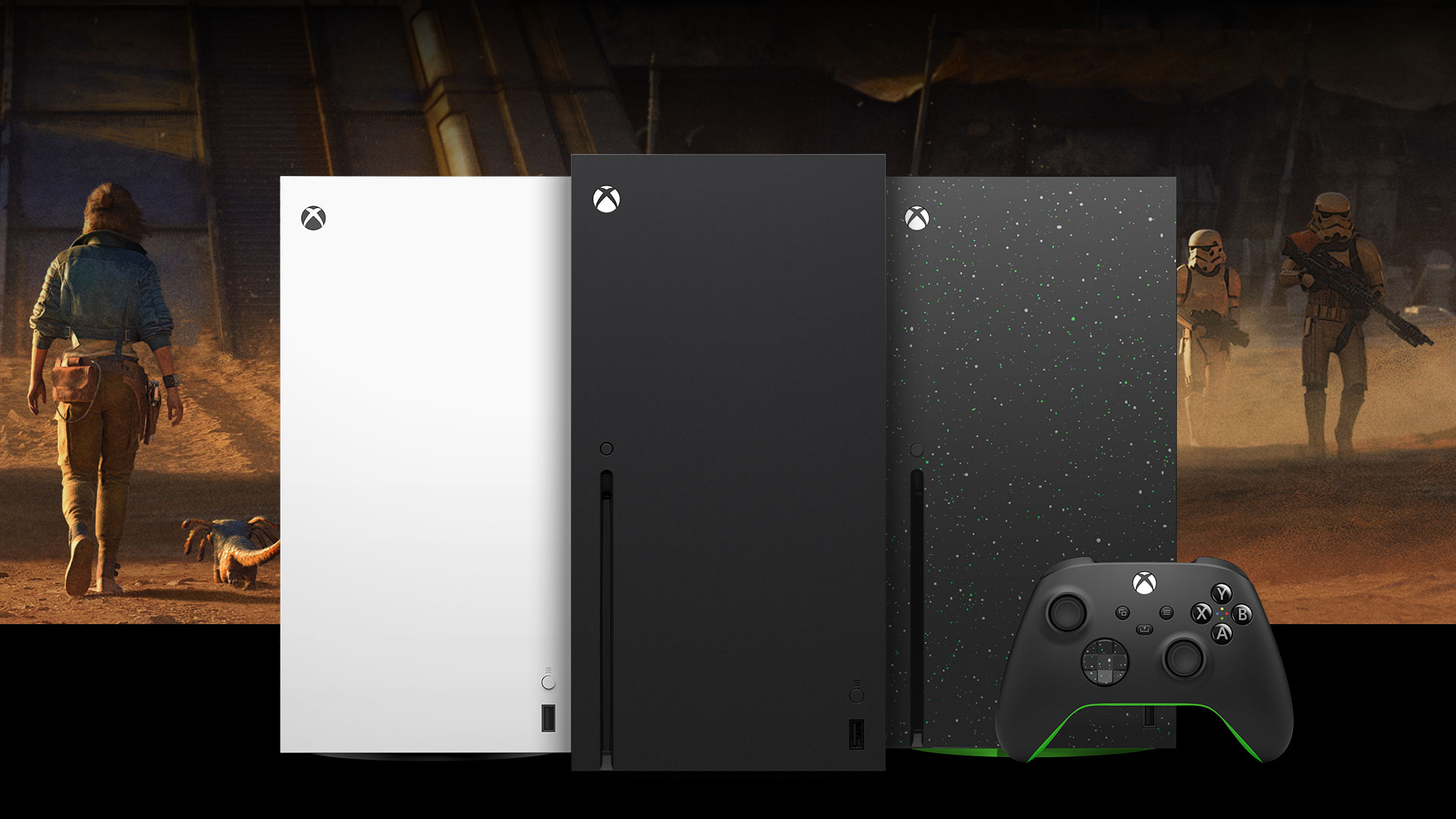
Microsoft continues to enhance the Xbox experience with a new update that’s already rolling out to users. In addition to fixing several errors detected in previous versions, the system incorporates 12 new features that affect personalization, interface, game management, and even Xbox Cloud Gaming.
Although some of these new features had previously appeared for users of the Insider program, they’re now becoming available to all players, offering a more comfortable and complete experience on your Xbox console.
These are the 12 new features coming to Xbox
| New feature | What’s changing? |
|---|---|
| Longer gamertags | You can now use names up to 15 characters, up from the previous limit of 12. |
| New way to display games | Changes to the library presentation to make it easier to find titles. |
| New customization colors | More options are being added to personalize the interface’s appearance. |
| Improved update notes | Update notes for the console are now clearer and more comprehensive. |
| Find mutual friends | It’s now easier to discover friends you have in common. |
| Offline customization | Some customization options can be modified even without an internet connection. |
| Add games to wish list | You can now do this directly from the game cards. |
| Accessories app shows connected controller | The app now clearly identifies the controller you’re using. |
| Quicker access to Home and My games and apps | Microsoft is reorganizing some settings to make them more accessible with fewer steps. |
| Cloud gaming notification | If a game needs an update, Xbox will offer to start it via Xbox Cloud Gaming while it downloads. |
| Xbox Network status indicator | The console will now notify you when there’s a widespread issue with Xbox services. |
| Higher-quality Xbox 360 achievements | Classic achievement illustrations are now displayed with greater clarity. |
Several important fixes are also arriving
Alongside these new features, Microsoft has solved several errors reported by the community:
- A bug that could cause My games and apps to close unexpectedly while updates were being installed has been fixed.
- A problem that would unexpectedly reset the navigation focus has been solved.
- An error that would reload the full game list when checking achievements for a title and going back has been corrected.
With this update, Xbox continues to refine the user experience with small changes that, together, make navigating the console, managing the library, or accessing games much more comfortable. Additionally, some of these features anticipate the path Microsoft wants to follow in the coming months with new improvements for the Xbox ecosystem.


Lover of videogames, Xbox, Halo and Gears of War.
Related Post