

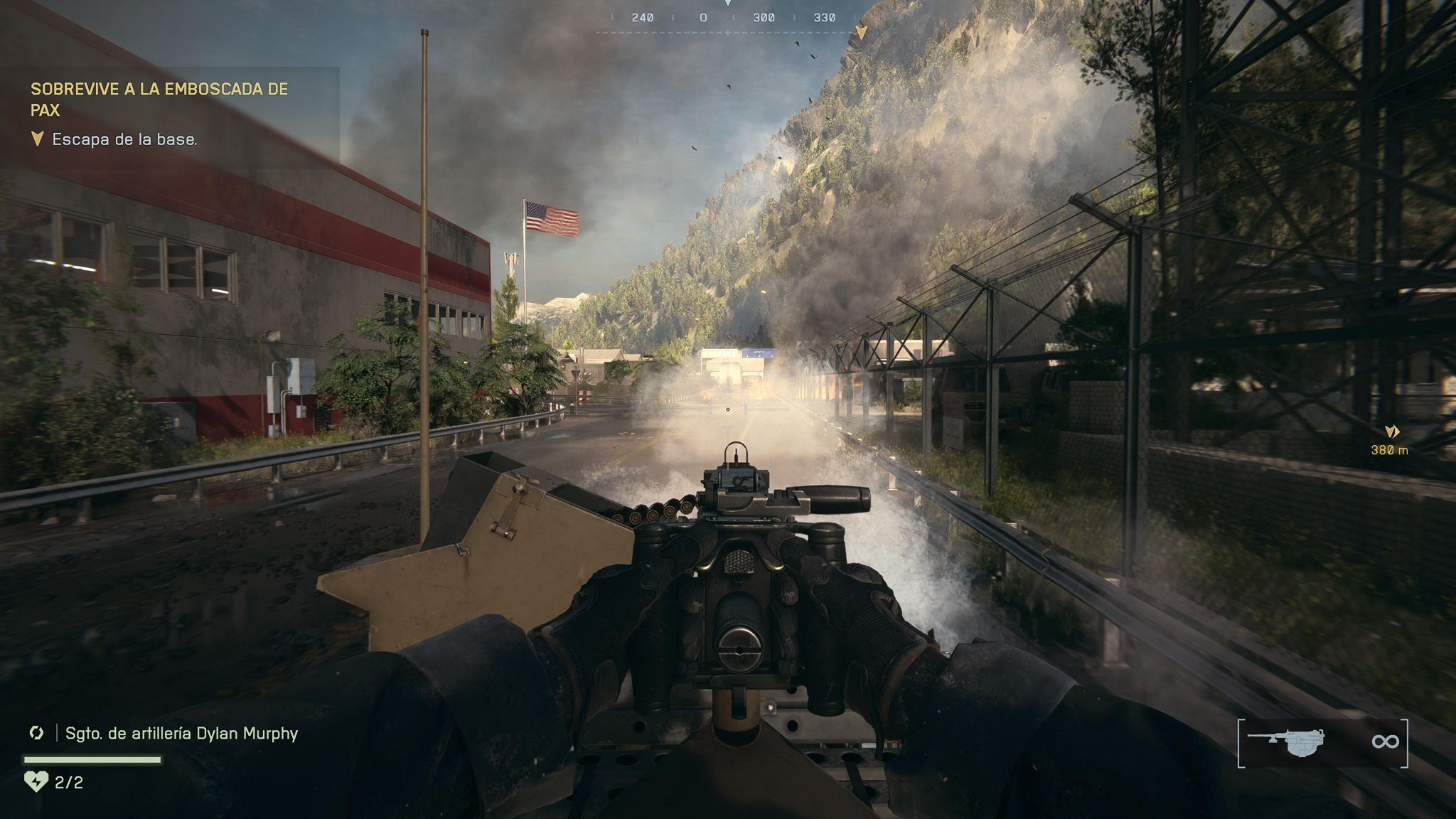

Battlefield 6: the best graphics and camera settings to play with maximum performance.
More stories in the category PC
- The second wave of original Xbox games for PC could start with these classics
- XBOX already has everything ready to bring Xbox 360 games to PC
- Steam kicks off the weekend with 4 new free games that will be yours forever
| Don't miss anything and follow us on Google News! |
Battlefield 6 is here, and as with every installment in the series, finding the ideal settings can make all the difference between winning or losing a duel. The BF6 META community has released a list of the best graphics and camera settings to achieve a more fluid, clear, and competitive experience on PC and consoles.
These settings are designed to reduce blur, improve sharpness, and eliminate visual distractions without compromising frames per second stability. Additionally, they adjust the HUD and camera to provide a cleaner view of the battlefield.
Optimal Configuration for Battlefield 6
Camera and HUD Settings
-
Field of View (FOV) – 115: expands the viewing angle, allowing you to see more of the surroundings without turning the camera. Ideal for detecting lateral enemies.
-
Camera Movement on Weapons and Vehicles – OFF: reduces swaying and visual dizziness, keeping the camera stable.
-
Camera Shake – 50% or less: smooths out tremors during explosions or impacts, making aiming easier.
-
Chromatic Aberration, Vignette, and Film Grain – OFF: eliminates aesthetic effects that reduce sharpness and clarity.
-
HUD and Soldier and Vehicle Overlays – ON: displays essential information such as markers, objectives, or allies without overloading the screen.
-
HUD Movement – OFF: prevents the dynamic movement of icons during combat, improving readability.
Recommended Graphics Settings
-
Overall Quality – Custom (Low): reduces the visual impact on the GPU and improves FPS.
-
Textures, Shadows, and Reflections – Low: balances performance without losing relevant detail.
-
Resolution Scaling – 1.00: maintains a sharp image without fluctuations.
-
DLSS – Ultra Performance: improves FPS by re-scaling the image with artificial intelligence.
-
NVIDIA Reflex Low Latency – Enabled + Boost: decreases the delay between commands and on-screen response.
-
Anti-Aliasing – OFF: reduces graphics load, although it leaves more noticeable edges (barely perceptible in motion).
With this configuration, players achieve a stable frame rate and a cleaner visual environment, ideal for competitive multiplayer mode. If you’re looking for the best combination of fluidity and visibility, this guide is one of the most accurate to date.


Founder and editor of SoloXboxOne and Generación Xbox. He is also one of the owners of the GX Group, Samsung Universe and the Reflotes forum. Adrian has reviewed over 200 games on the web and has an average score of 85 according to Opencritic. Among his expertise as a writer and analyst, he has interviewed Microsoft personalities and participated in private gaming events.
Related Post


