

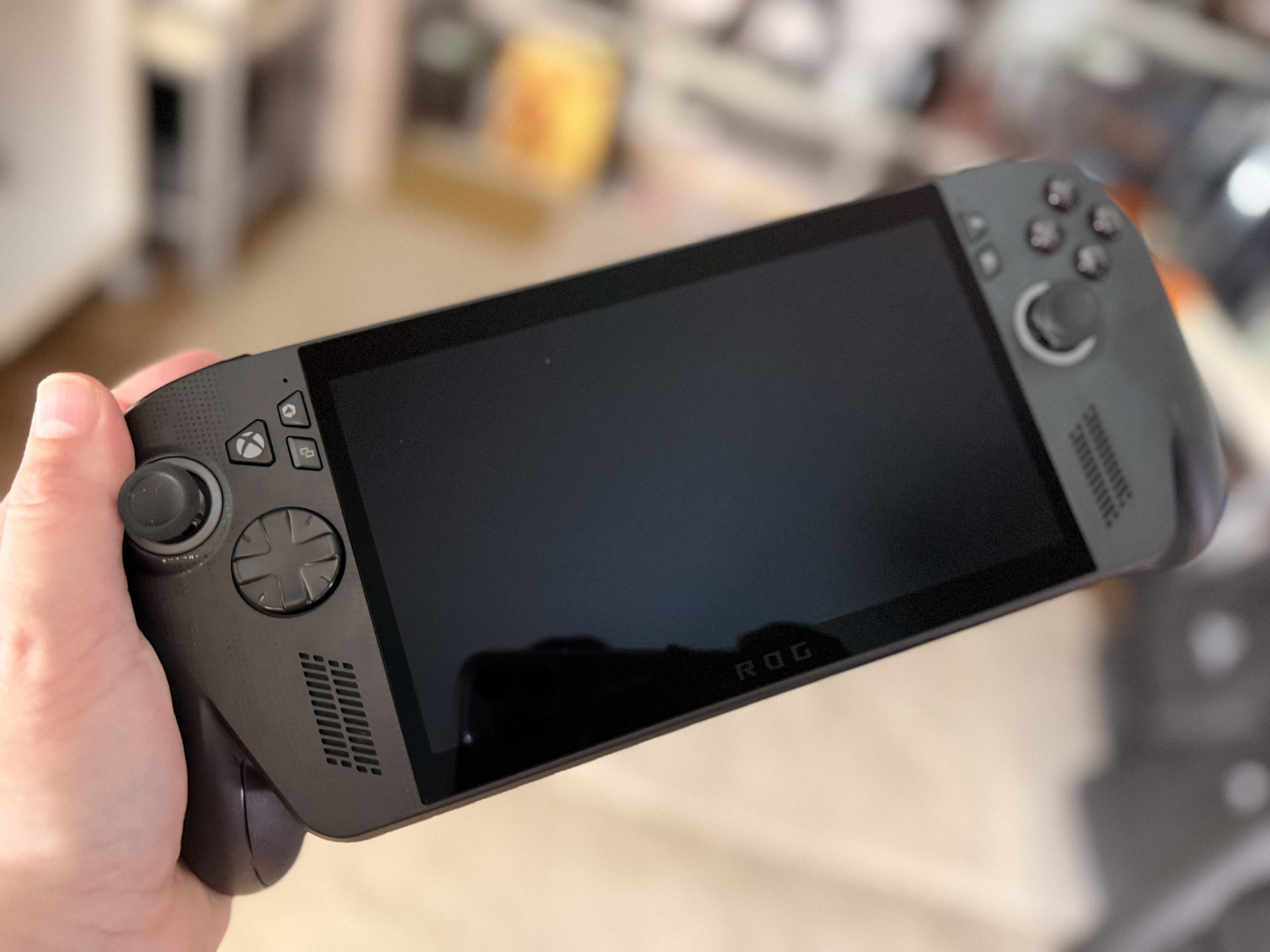

These are our impressions of the ROG Xbox Ally X, the new portable console from Asus and Microsoft that arrives with everything.
More stories in the category Featured
- The double standard with GTA 6: its price generates criticism, FC 27’s 160 euros do not
- Celebrate the 2026 World Cup final with this free soccer game for Xbox and PC
- Rockstar has already released Strike at Kortz Center: all the new content coming to GTA Online
| Don't miss anything and follow us on Google News! |
After spending several days testing the new ROG Xbox Ally at home, I think I can now share my thoughts with you, with more than enough knowledge, about what the new Asus and Microsoft portable device has to offer. To put things into perspective, I’ve had a Steam Deck for a few years now, and I could more or less guess where things were headed, although honestly, the new machine is more than what the Valve console offers, without underestimating the latter, which is a machine I love.
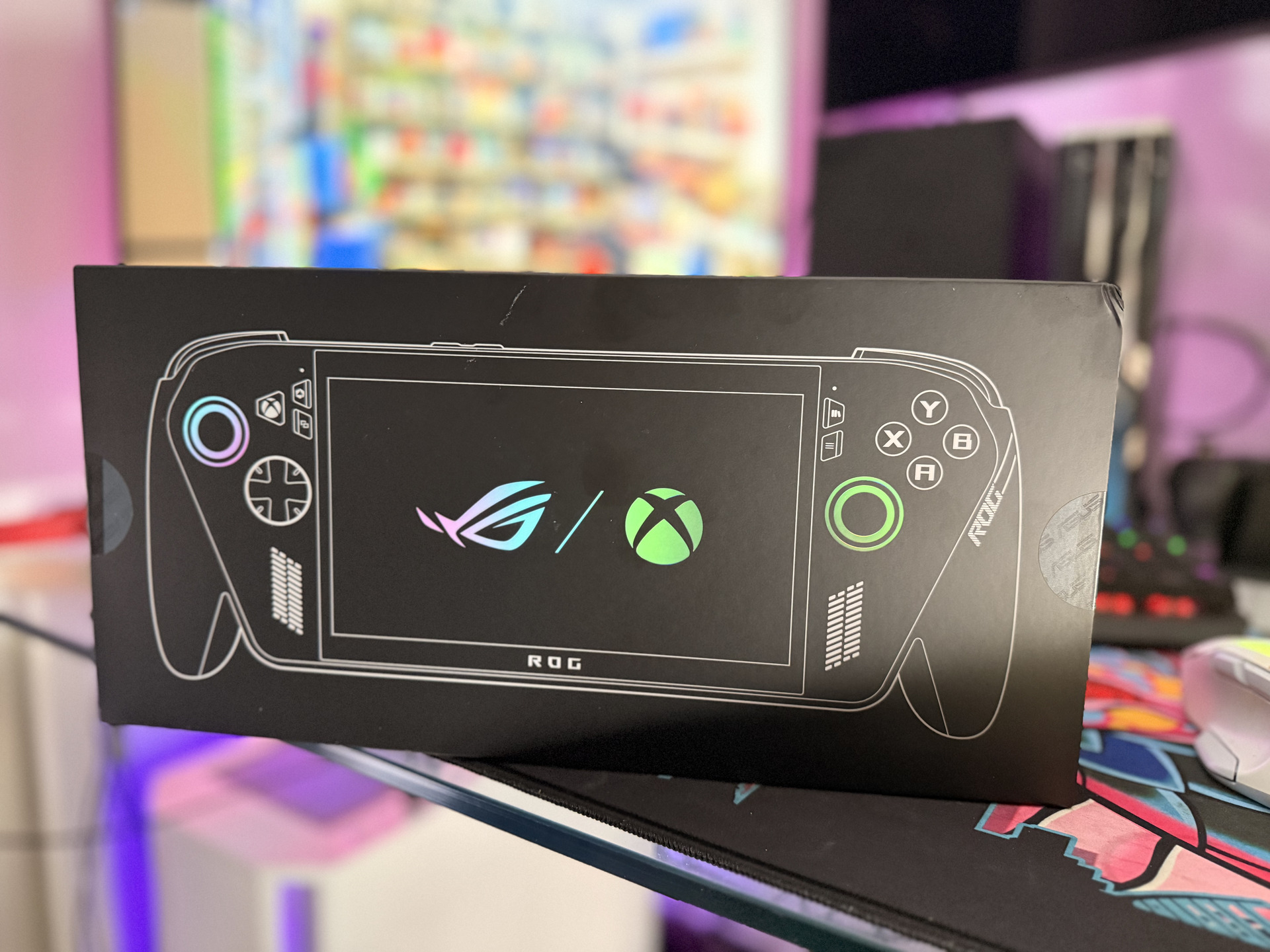
Important: All the screenshots and videos you’ll see in this article were taken with the ROG Xbox Ally X.
Over the days, I’ve been able to tinker with all the features and many games for it, and the truth is, within its scope, it’s a very interesting machine and almost essential for those who have a large digital library and want to take it with them wherever they go. The first thing you should know is that it’s a PC with Windows 11 in front of you, but with nuances, many nuances that make it not so simple to summarize it that way.
I explain: the machine is designed to be an all-rounder, whether for playing only with your PC games through the Xbox app or for playing from the cloud or remotely. The ROG Xbox Ally offers a range of possibilities, perhaps one of the things that I liked the most, along with its ergonomics and power, is that it’s a “beast” that moves almost everything you throw at it with ease.
All gaming options
| Situation | Is it possible on Ally? | How |
|---|---|---|
| Game I have on Steam/Epic/GOG (PC) | Sí | Native installation (Windows) |
| PC game on Microsoft Store/Xbox app | Sí | Native installation (Windows) |
| “Play Anywhere” game that I bought once | Sí | Install the PC version; share progress/achievements with the console version |
| Game that I ONLY have on Xbox (console version) | No native | Via Remote Play from your console / Via Cloud if it’s in the cloud |
| PC Game Pass catalog | Sí | Native installation (Xbox app) |
| Cloud catalog (Cloud Gaming) | Sí | Streaming from Xbox servers |
| Console disc/cartridge | No | Not applicable on PC |
Whoever plays on PC is sure to already know the Xbox app for PC, so now imagine integrating all that into a machine in the palm of your hand. With brutal ergonomics, exclusive features from Asus, and a game catalog from different platforms that you can’t finish. The only thing that can be said is that not all Xbox games can be executed on it, but this is a starting point, and it’s a lot to offer for a first foray into this field.
But as I say, it wasn’t conceived that way, and although sometimes magic exists, in this case, the starting point is this, and among the Xbox Play Anywhere games, cloud games, and other clients, you have games to play for years without stopping. With this, I’m not justifying anything, I’m saying that as it was conceived, the machine doesn’t deceive, it’s designed to expand the Xbox ecosystem and available options, it doesn’t come to replace any of the current platforms, it comes to complement them.
ROG Xbox Ally X features
We remind you that two models of the machine are being released, although we’ve used the X for all our analysis:
| Features | ROG Xbox Ally X | ROG Xbox Ally |
|---|---|---|
| Operating system | Windows 11 Home | Windows 11 Home |
| Comfort and controls | Contoured grips inspired by the Xbox controller, impulsive triggers, ABXY buttons, D-pad, Hall Effect L&R triggers, bumpers L&R, Xbox button, View, Menu, Command Center, Library, 2 assignable rear buttons, 2 complete analog sticks, HD haptics, 6-axis IMU | Contoured grips inspired by the Xbox controller, impulsive triggers, ABXY buttons, D-pad, analog L&R triggers, bumpers L&R, Xbox button, View, Menu, Command Center, Library, 2 assignable rear buttons, 2 complete analog sticks, HD haptics, 6-axis IMU |
| Processor | AMD Ryzen Z2 Extreme | AMD Ryzen Z2 A |
| Memory | 24 GB LPDDR5X-8000 | 16 GB LPDDR5X-6400 |
| Storage | 1 TB M.2 2280 SSD (expandable) | 512 GB M.2 2280 SSD (expandable) |
| Screen | 7″ FHD (1080p) IPS, 500 nits, 16:9, 120 Hz, FreeSync Premium, Corning Gorilla Glass Victus + DXC anti-reflective | 7″ FHD (1080p) IPS, 500 nits, 16:9, 120 Hz, FreeSync Premium, Corning Gorilla Glass Victus + DXC anti-reflective |
| Ports | 1× USB4 with DisplayPort 2.1 / Power Delivery 3.0, Thunderbolt 4; 1× USB 3.2 Gen 2 Type-C with DisplayPort 2.1 / PD 3.0; microSD UHS-II reader; 3.5 mm jack | 2× USB 3.2 Gen 2 Type-C with DisplayPort 1.4 / PD 3.0; microSD UHS-II reader; 3.5 mm jack |
| Network | Wi-Fi 6E (2×2) + Bluetooth 5.4 | Wi-Fi 6E (2×2) + Bluetooth 5.4 |
| Dimensions | 290.8 × 121.5 × 50.7 mm | 290.8 × 121.5 × 50.7 mm |
| Weight | 715 g | 670 g |
| Battery | 80 Wh | 60 Wh |
| Included | ROG Xbox Ally X console + 65W charger with support | ROG Xbox Ally console + 65W charger with support |
As you can see in the table above, the hardware differences are significant, although Microsoft has explained on several occasions that the experience remains intact, saving the mentioned differences. In the tests I’ve done over the days, I’ve had time to try out many games, and I think that’s what matters most. The installations are divided by type, i.e., from games that you can install natively to those that you can play via the cloud or remotely. I’ve been trying out different titles, and I’ve been able to run all of them, many of them leaving me amazed at how smoothly they ran at 1920×1080 with medium graphics when some PCs struggle.
For my tests, I wanted to use games with different graphical characteristics and demands, and the truth is, it’s a beast, it moves everything. At least, everything I’ve tried: Forza Motorsport, Forza Horizon 4 and Forza Horizon 5, Indiana Jones, Hogwarts Legacy, Robocop, Persona 5: Tactica, and a few more that I won’t mention… and all of them ran very well, obviously, saving distances with a PC or a desktop console, but all of them I was able to run on the machine and, by tweaking the graphics settings a bit, (more in some and less in others) I was able to enjoy a complete experience in the palm of my hand.
In this article, I’ve left several videos of my tests where you can see the fluidity of the games from the outside, and these are just a few that I’ve tried, but I have more videos of more games to upload and share with you, which I’ll do later. The experience, which is what matters, has completely convinced me, although I could put some blame on the software side, which still has room for improvement.
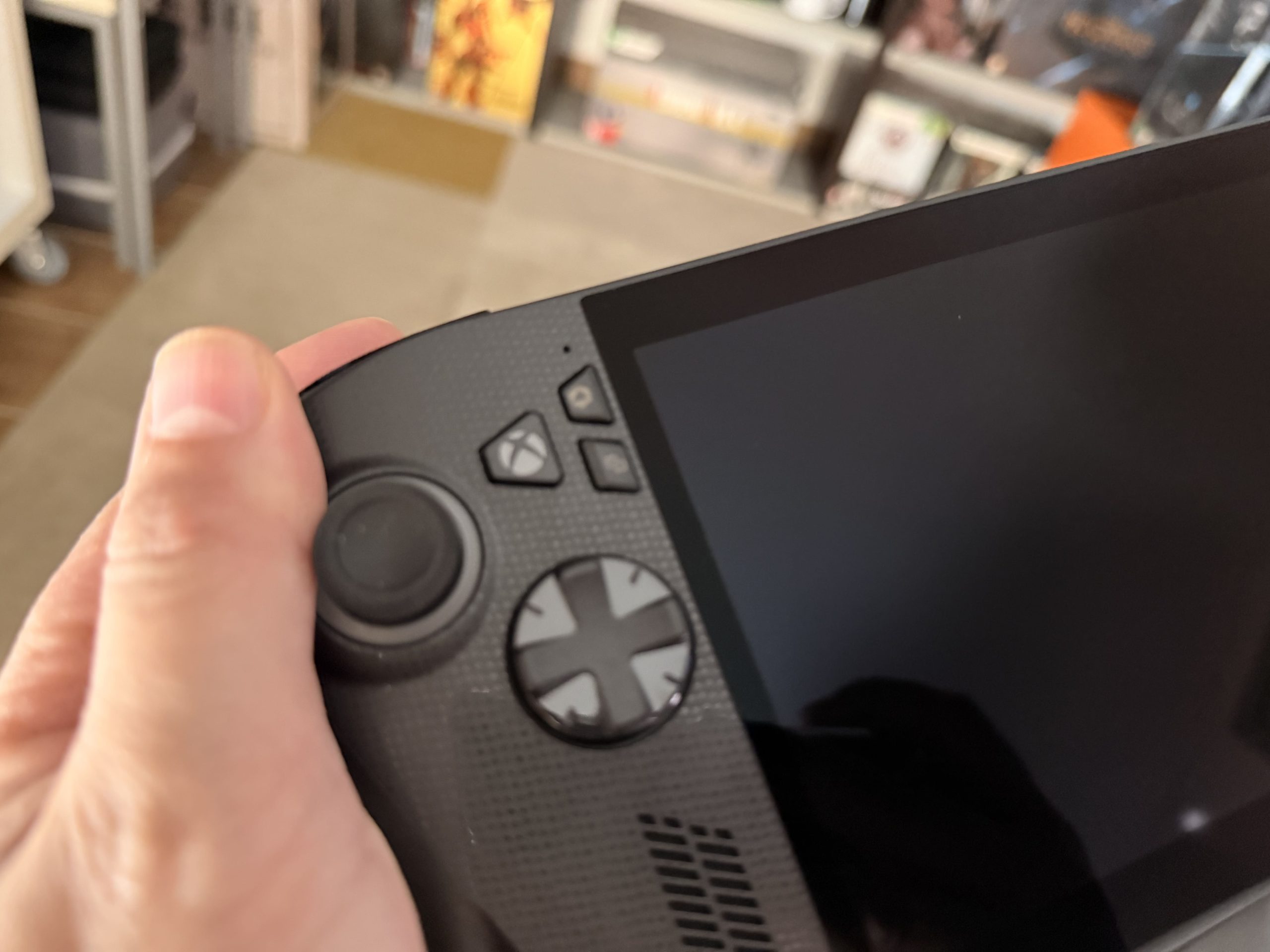
The feel of the plastic and the finishes are excellent. Here, I want to be very honest, I’ve played for days, and I don’t know what can happen in the coming months, but it’s clear that the machine is well-built, and the materials feel like quality, but as I say, I haven’t had time to evaluate its wear and tear over the weeks and months.
My conclusion
After all these days of testing, I can affirm without fear that the ROG Xbox Ally X is a firm step towards the future of portable gaming in the Xbox and PC ecosystem. It’s not just a portable console, but a complete PC in a compact format, designed to offer total freedom to the player. In this sense, Asus and Microsoft have achieved an outstanding integration, which allows access to both the Xbox Game Pass catalog and libraries from Steam, Epic, or GOG without complications, something that no other device does in such a notable way.
The ergonomics and performance are its two great strengths without a doubt. The ROG Xbox Ally X improves everything regarding previous Asus models: it improves memory, battery, and cooling, making it a very capable machine for demanding titles. During my tests with games of all kinds, the Ally moved with brutal ease within its segment, offering a complete and visually more than notable experience for a device of these dimensions.
However, Windows 11 is still a double-edged sword in some things: it offers total flexibility that we all know, but also an interface not very thought out for touch screens or at least not as I would like for a device of this class. The Asus Armoury layer helps, but there’s still a way to go for the experience to be as direct as on a console. The same happens with the Xbox app for PC, which, although functional, still needs more optimization and simplicity in its use. All are small things that can be improved, and I’m sure they will, but for now, they still have room to improve all these features. If you’re used to the Xbox environment on PC, you shouldn’t have big problems getting the most out of the portable device. But in case you’re new, honestly, I think the application should be more intuitive and less heavy, both when selecting games, viewing applications, downloads, and other options, Microsoft has work ahead to continue improving and optimizing its software.
We thank Xbox Spain for the material provided to carry out this analysis.


Founder and editor of SoloXboxOne and Generación Xbox. He is also one of the owners of the GX Group, Samsung Universe and the Reflotes forum. Adrian has reviewed over 200 games on the web and has an average score of 85 according to Opencritic. Among his expertise as a writer and analyst, he has interviewed Microsoft personalities and participated in private gaming events.
Related Post


