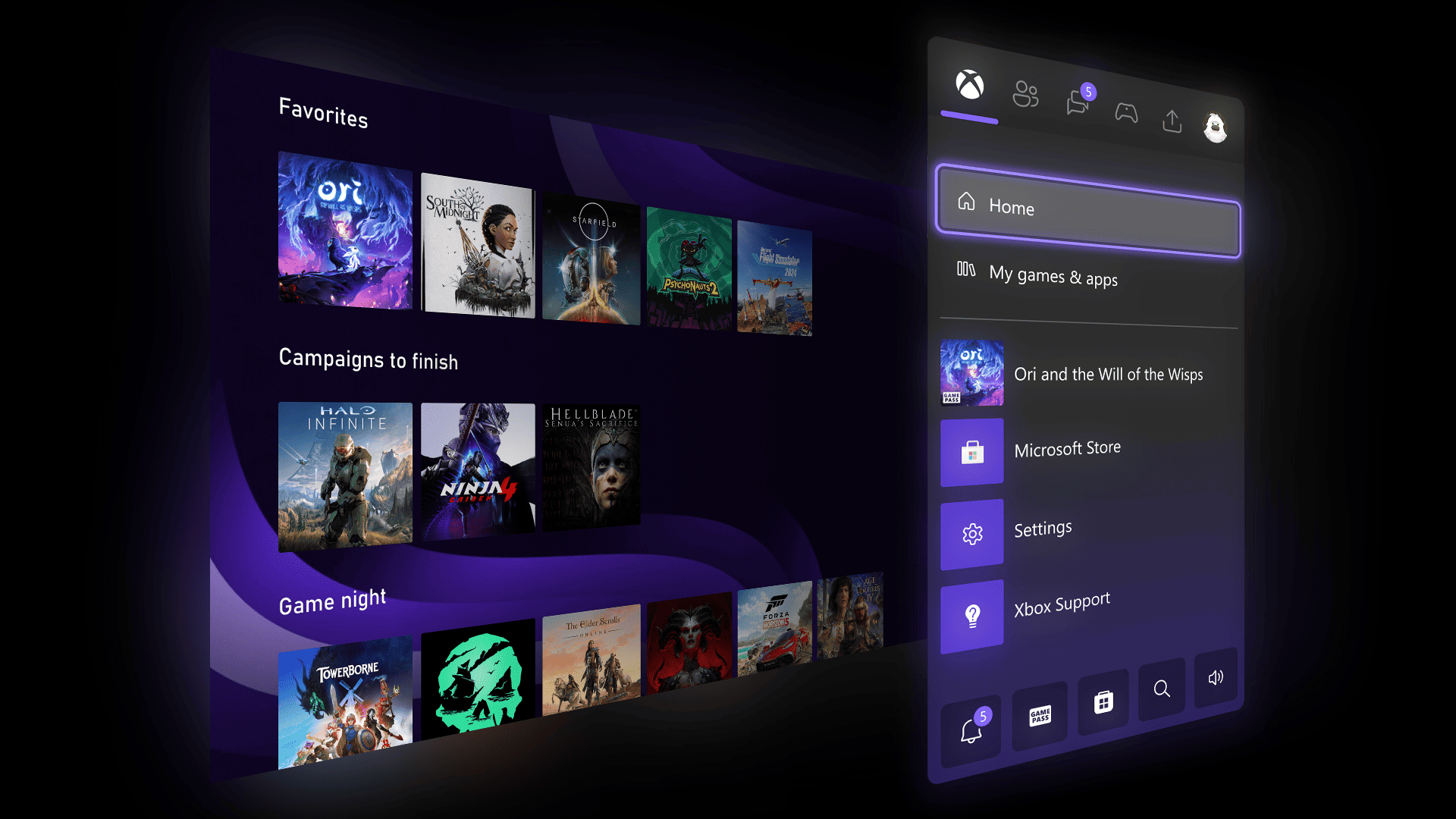

Xbox improves the Game Card by showing the sync status of cloud games.
More stories in the category News
- A Marathon developer asks Destiny 2 fans not to wish for the game’s failure
- 007 First Light confirms 60 FPS on Xbox Series X, but Series S will have a significant cut
- Forza Horizon 6 sweeps and already shatters the historical record of the saga
| Don't miss anything and follow us on Google News! |
Xbox continues to refine its interface with small changes that, in day-to-day use, ultimately make a difference. This time, the novelty arrives directly at the Game Card, one of the most consulted sections when entering any game from the console.
The improvement may not be immediately noticeable, but it’s especially useful for those who play on multiple devices or switch between sessions. And that’s because you can now check if your progress is correctly synced in a much clearer way.
Xbox’s Game Card now shows cloud save status
With this new feature, users can see the synchronization status of cloud-saved games directly from the Game Card of any title they’ve played. This means that when accessing the game’s card, it will indicate whether your game is synced correctly or if there’s a pending process. Additionally, by navigating over the game’s cover, you can access more details about this status.
- For now, this improvement is available on the Alpha Skip Ahead and Alpha rings of the Xbox Insider program, but everything suggests it will soon arrive for the rest of the users.
A small addition that, without making a fuss, improves something important: knowing at all times that your progress is safe before continuing to play.


Lover of videogames, Xbox, Halo and Gears of War.
Related Post