
We've experienced it and although it seems like a problem, it has a solution that we'll tell you about.
More stories in the category Guides
- How to start the Starfield Terran Armada DLC step by step and without getting lost: all platforms review
- How to expand inventory in Crimson Desert fast: get more space for free in minutes
- Crimson Desert fails on PC from Xbox app: this is how you can fix it for now
| Don't miss anything and follow us on Google News! |
When starting a game for the first time, nothing disappoints a player more than encountering an unexpected issue that prevents them from enjoying the experience they’ve been eagerly waiting for and often look forward to at the end of their day.
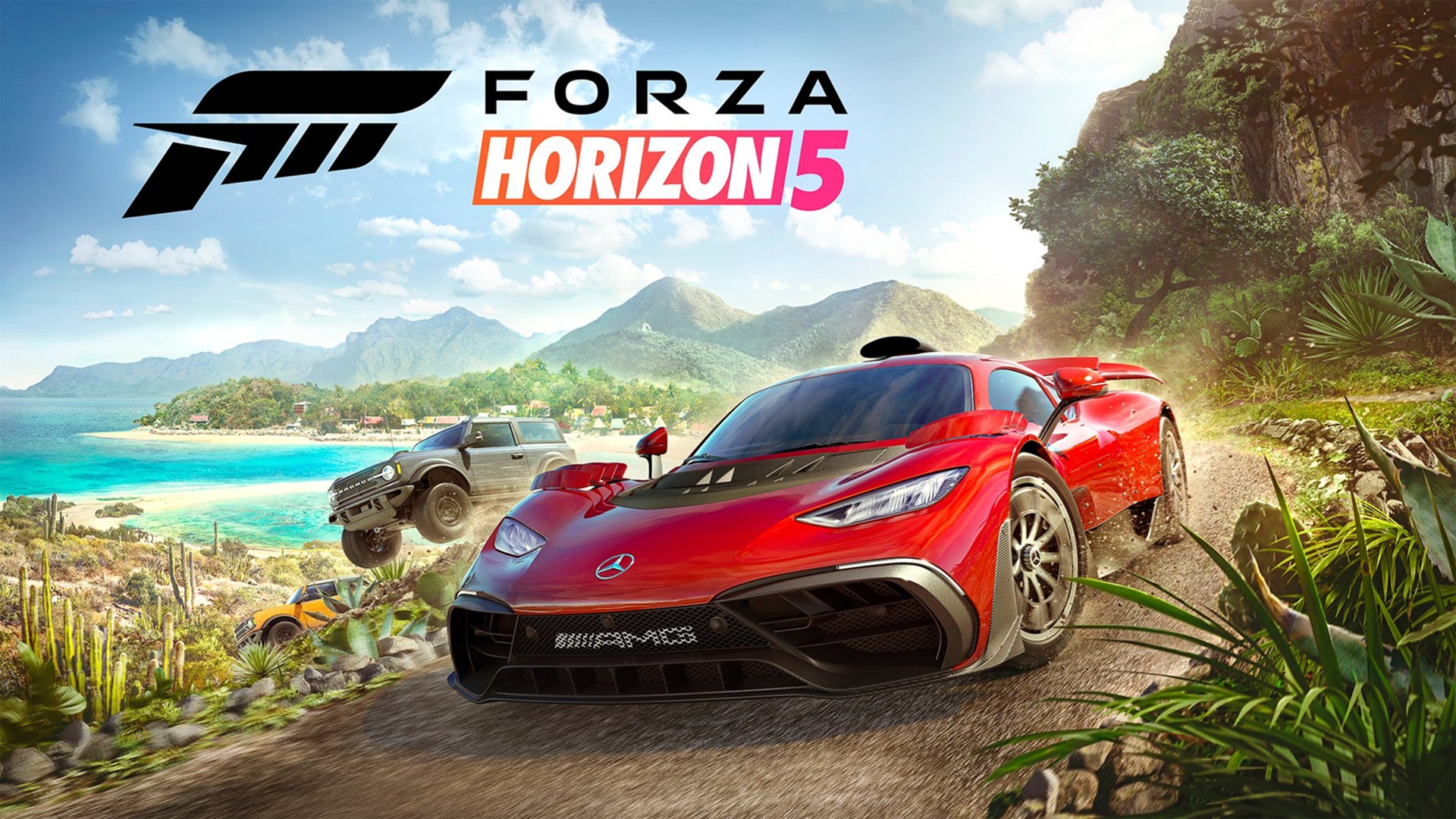
This time, we’re dealing with a problem I encountered after getting my gaming laptop back from repair and reinstalling some of my games, including Forza Horizon 5. However, I ran into a frustrating issue.
Get back to playing Forza Horizon 5 if you don’t have text in the menu
After installing and launching the game, I found that the menu was empty. Fortunately, I found a Reddit thread that helped me resolve the issue. In this case, the solution is much simpler than it seems and doesn’t require reinstalling the game or modifying external settings.
Steps to solve the problem:
-
Launch the game and you’ll see the start screen with three options.
-
The first one is Start
-
The second one corresponds to Options
-
The third one is Exit
-
-
Enter the second option, which is Options (Settings). This will take you to a new menu.
-
Within that menu, go to the second-to-last option, which corresponds to the Language section.
-
You’ll see a list of languages, each accompanied by a small circle. Even if you can’t see the text, it’s normal; choose one at random.
-
The game will ask if you want to change the language.
-
The top option is No
-
The bottom option is Yes
-
-
Select the bottom option. The game will restart automatically.

After these steps, the problem should be completely resolved, and you’ll be able to enjoy the game normally. If you have any questions or need help, feel free to comment on our social media channels, and we’ll do our best to assist you at Generación Xbox.


Video game, Xbox, PC and Nintendo Switch enthusiast. Frank is one of the most active video game news writers on the web. He covers absolutely every topic. In terms of games reviewed, as of 2024 he has already passed the 60 mark and his average score, according to Open Critic is 80.
Related Post