
Beware if you book GTA 6: this detail can make you start paying without realizing it.
More stories in the category News
- Start your relaxing Saturday with 4 new free Steam games review
- Xbox Play Anywhere continues to grow with two new games confirmed for PC and console
- GTA 6 has surpassed 39 million presale sales and $3 billion in revenue
| Don't miss anything and follow us on Google News! |
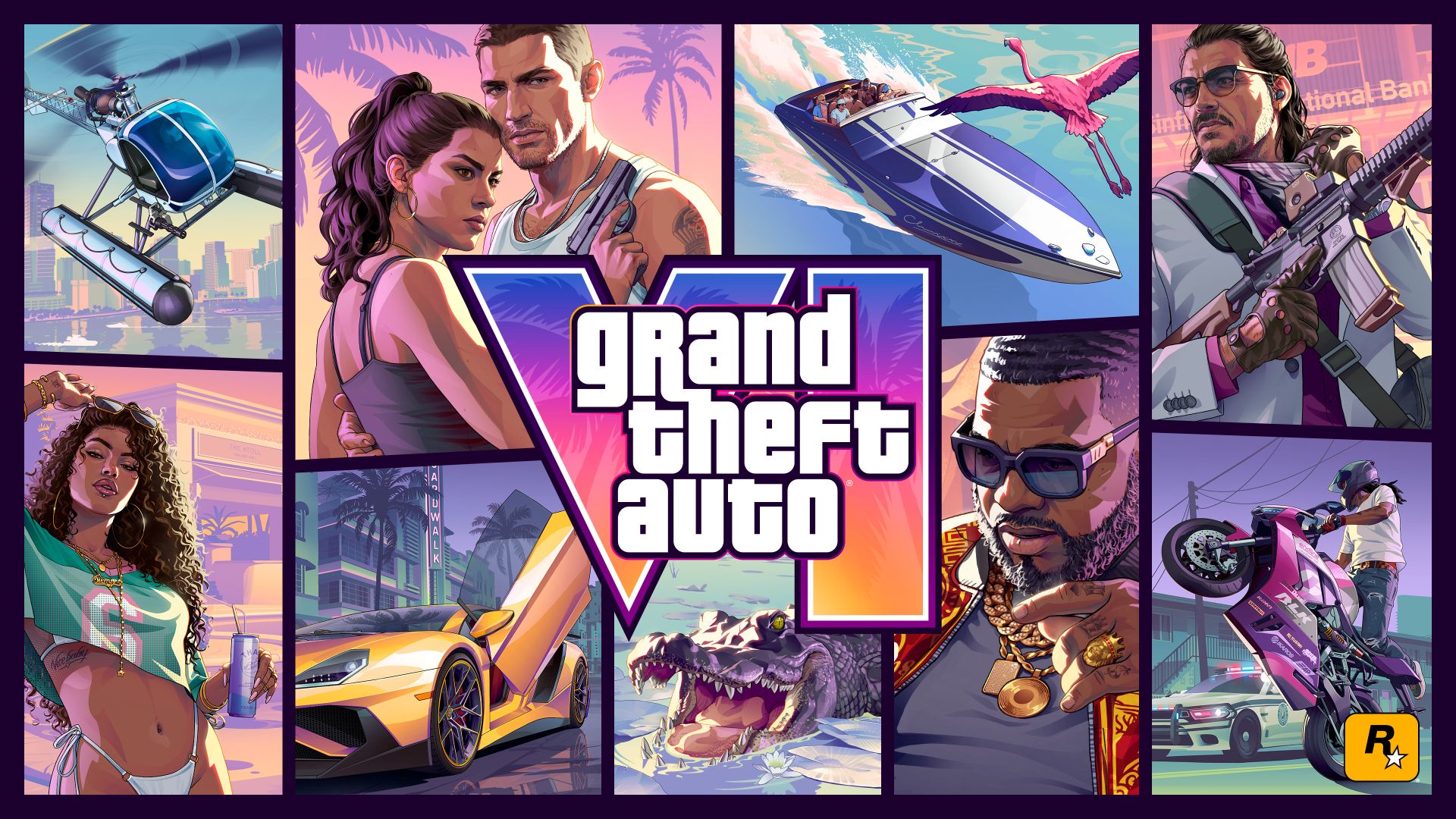
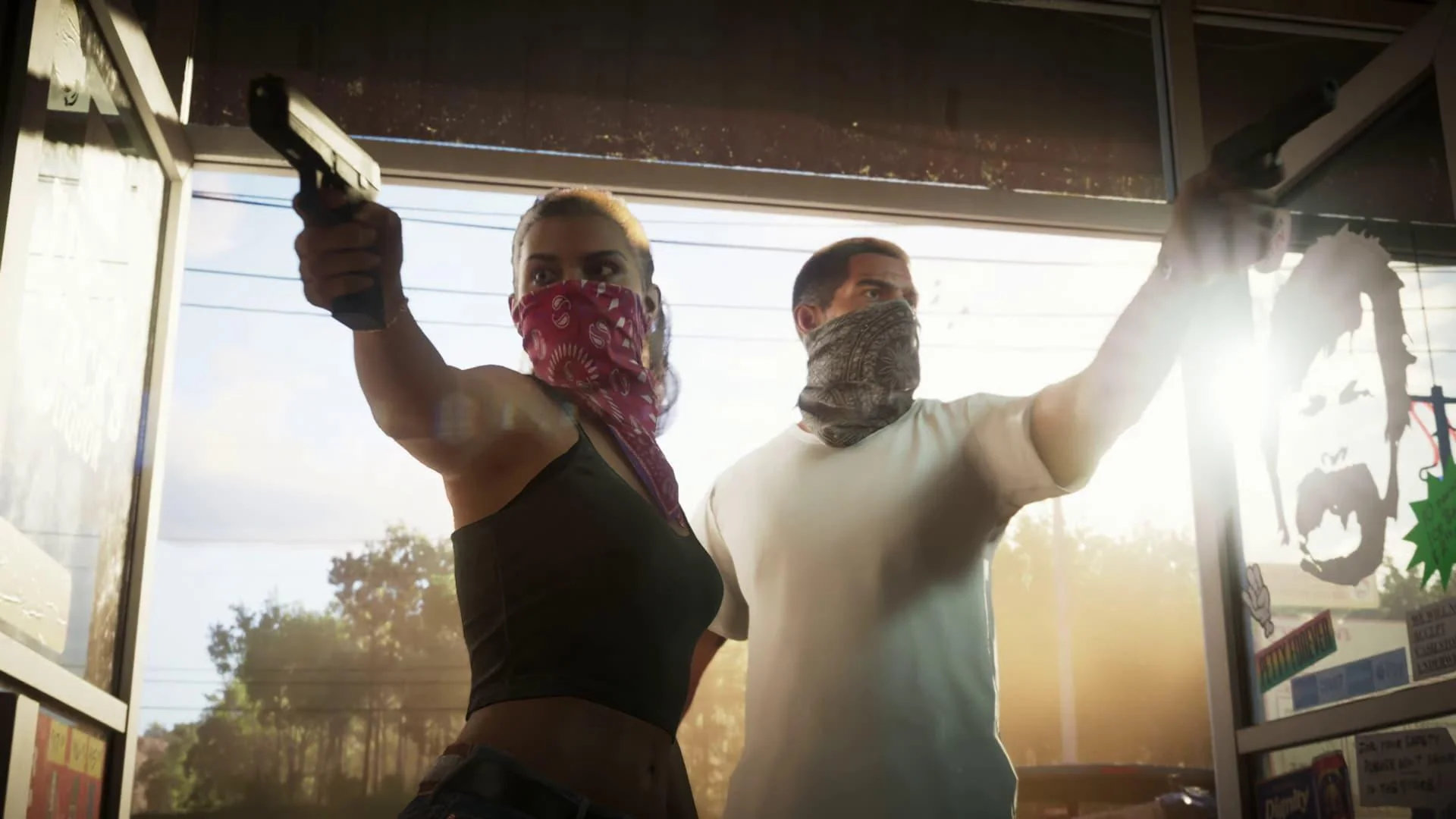
If you’ve already pre-ordered GTA 6 in digital format or are thinking of doing so in the coming days, there’s an important detail to keep in mind before its release. The promotion associated with pre-ordering includes an interesting advantage for players, although it can also become an unexpected expense if you don’t review your account settings.
With the digital pre-order of GTA 6, players receive a free month of GTA+, Rockstar’s subscription service. What many don’t know is that once the promotional period is activated, automatic renewal is enabled by default. This means that when the first free month ends, the monthly fee will start being charged automatically using the payment method associated with your account.
How to cancel automatic renewal of GTA+
The good news is that avoiding this charge is very simple. If you only want to enjoy the free month included with the pre-order, you just need to cancel the automatic renewal before the promotional period ends. On Xbox, you can do this by entering the Microsoft Store, accessing your account menu from the three dots, entering Subscriptions, and selecting GTA+ to disable renewal.
Many users believe that canceling a subscription means losing immediate access to the service, but that’s not the case here. Even if you disable renewal as soon as you activate the promotion, you’ll still enjoy the full free month. The only difference is that when the period ends, no additional charge will be made and the subscription will automatically terminate.
For those who do want to continue with the service, GTA+ offers various benefits within the Rockstar ecosystem. These include access to several classic titles from the company, as well as rewards, exclusive content, and other benefits that will be updated over time. In that case, you can simply leave the renewal active and the service will continue to function normally.
In any case, it’s worth taking a few seconds to review this setting if you’ve already pre-ordered the game. It’s a small detail that can avoid surprises in the future and allow you to decide whether you want to continue enjoying GTA+ once the free month ends or prefer to stick with the promotion included with the highly anticipated Rockstar release.


Founder and editor of SoloXboxOne and Generación Xbox. He is also one of the owners of the GX Group, Samsung Universe and the Reflotes forum. Adrian has reviewed over 200 games on the web and has an average score of 85 according to Opencritic. Among his expertise as a writer and analyst, he has interviewed Microsoft personalities and participated in private gaming events.
Related Post