
The new expansion is now available and is activated within the game itself.
More stories in the category Guides
- How to expand inventory in Crimson Desert fast: get more space for free in minutes
- Crimson Desert fails on PC from Xbox app: this is how you can fix it for now
- How to make money quickly in Crimson Desert during the first hours
| Don't miss anything and follow us on Google News! |
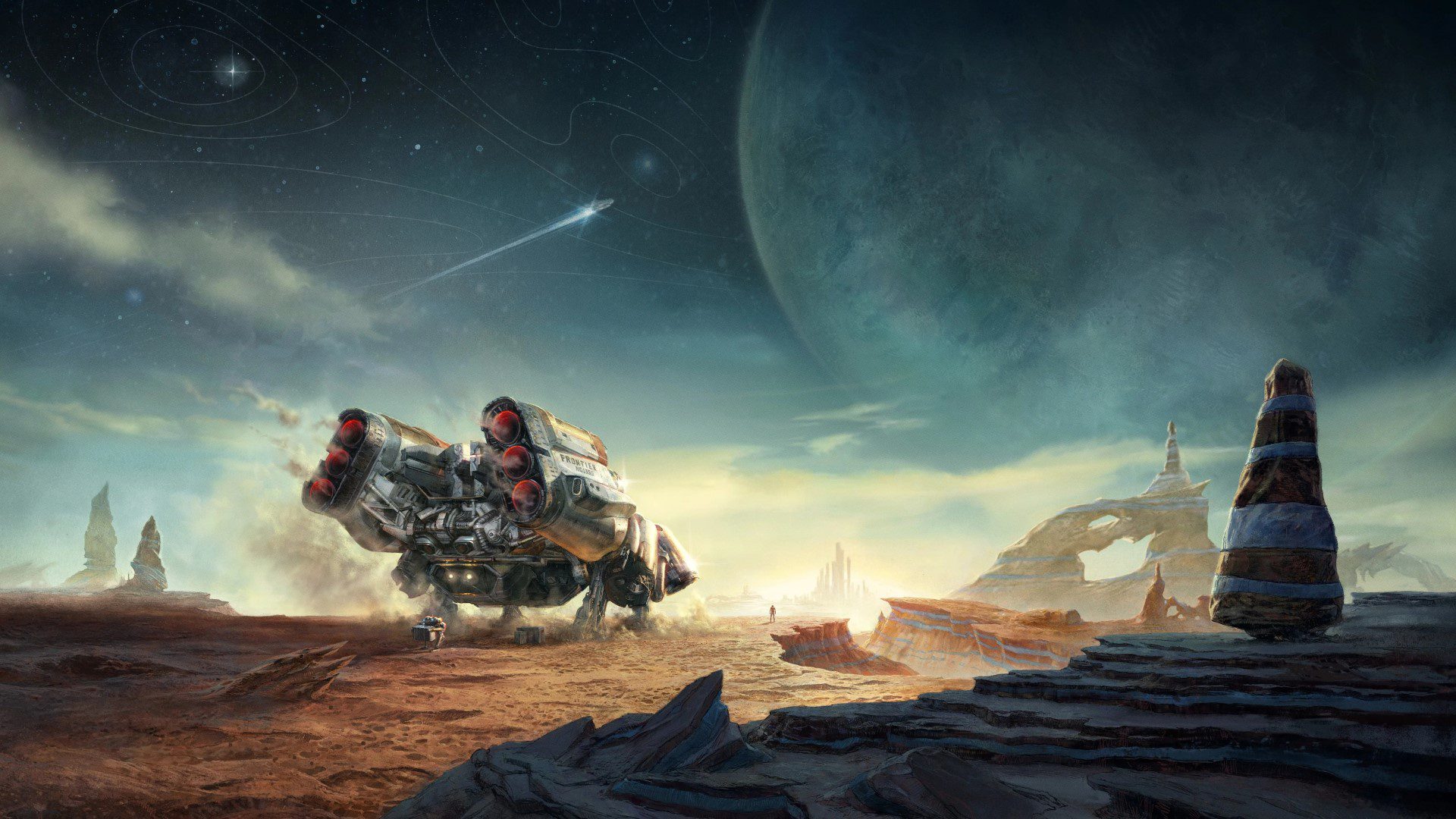
The Starfield universe continues to grow with the arrival of the new Terran Armada content, a mini-expansion that can now be downloaded on Xbox Series, PC, and other platforms. If you have the right edition or included access, you can start playing today.
However, it’s not a DLC that appears directly in the menu. As with other game expansions, you need to complete certain steps within the game to activate it, which can generate doubts if you enter for the first time after the update.
How to start Terran Armada in Starfield step by step
To start the Terran Armada DLC, follow these steps:
1. Travel to Akila City
- Head to Akila City, one of the game’s main cities. This is where the content is activated.
2. Listen to the radio signal
- While exploring the city, you’ll receive a message about a new threat known as the Terran Armada. This alert triggers the mission.
3. Activate the mission
- Once you receive the signal, it will be automatically added to your log. Select the mission and mark it as primary.
4. Follow the objective
- From here, you’ll need to advance by following the markers until you reach a space station where the DLC’s main mission begins.
Recommendations before starting Terran Armada
- Recommended level: 50 (although you can try before)
- Prepare for challenging space combat
- Bring good equipment and upgrades for your ship
In addition, when you start this content, a new activity is unlocked:
- Invasions: battles against enemy-filled ships with valuable rewards
This DLC adds new situations and challenges, especially designed for those who have already spent several hours in Starfield, although you can also try it before if you want to get ahead of its content.


Founder and editor of SoloXboxOne and Generación Xbox. He is also one of the owners of the GX Group, Samsung Universe and the Reflotes forum. Adrian has reviewed over 200 games on the web and has an average score of 85 according to Opencritic. Among his expertise as a writer and analyst, he has interviewed Microsoft personalities and participated in private gaming events.
Related Post