
Some players are reporting unexpected closures when starting the game on PC.
More stories in the category PC
- Get this tactical game for PC for free for a limited time on Steam
- The Epic Games Store is giving us a new surprise game for free for a limited time
- Steam Machine is approaching: SteamOS starts to prepare the ground for its release
| Don't miss anything and follow us on Google News! |
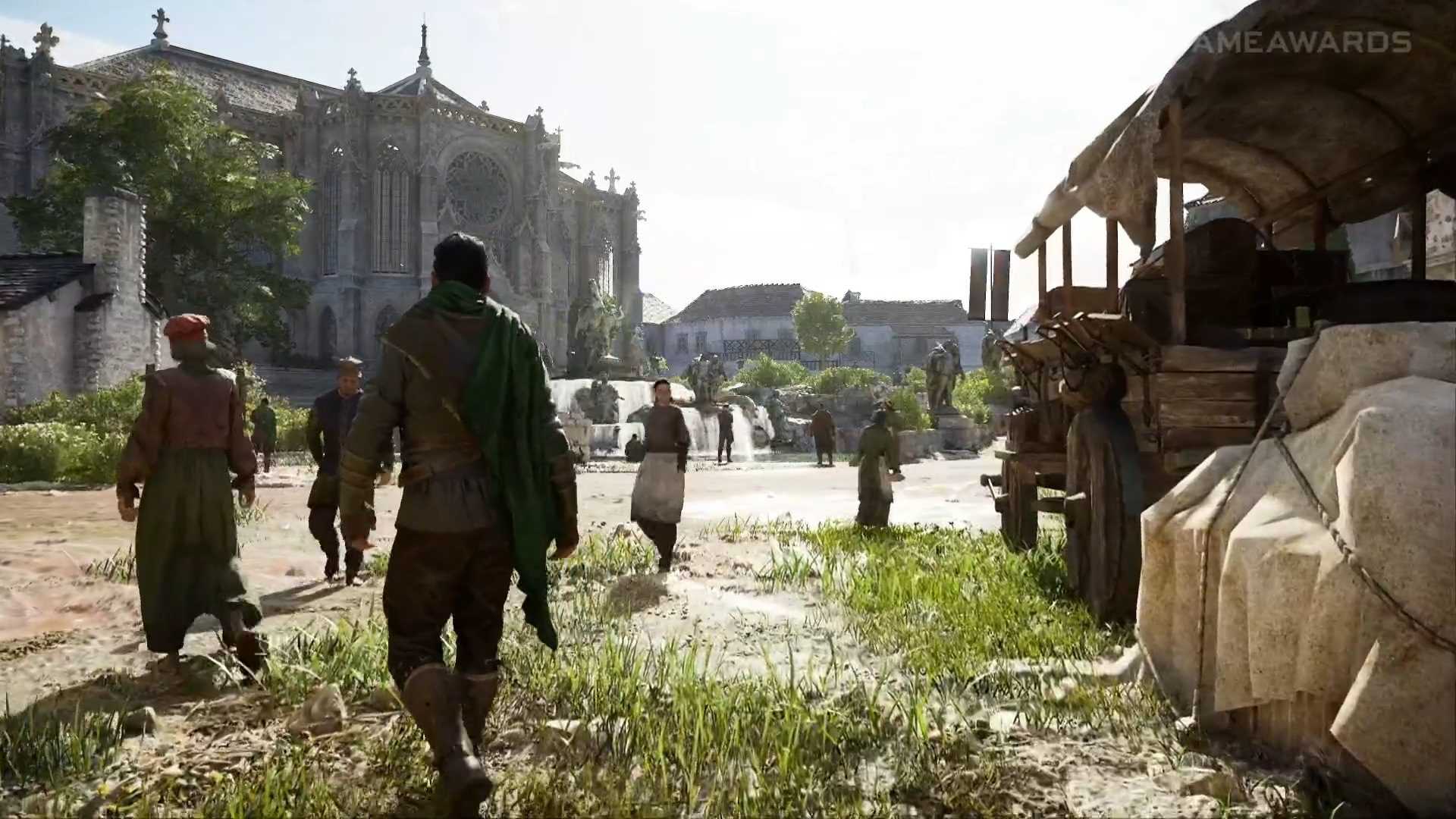
If you’re trying to play Crimson Desert on PC via the Xbox app and the game crashes as soon as it starts, you’re not alone. In recent hours, several players have reported crashing issues when launching the game, especially from the Xbox environment on PC.
Luckily, there’s already a solution that’s working for many cases and doesn’t require reinstalling anything or tweaking complicated settings.
How to fix the Crimson Desert issue on PC
The solution involves ensuring that the Microsoft Store is completely up-to-date, as the problem seems to be related to system components that haven’t been updated correctly.
You can do this in two ways:
- Open the Microsoft Store
- Go to Downloads
- Click on Check for updates
Or, if you prefer a quicker method:
- Press Win + R
- Paste this command:
ms-windows-store://pdp/?productid=9MWPM2CQNLHN
This shortcut will take you to the corresponding page to force the necessary update.
For now, this is the recommended solution while a more definitive patch is being worked on. If you’re experiencing this issue, it’s worth trying this before attempting more complex alternatives.
We’re aware some players are experiencing crashes when launching Crimson Desert from the Xbox app on PC. To fix this, open the Microsoft Store, go to Downloads, and check for updates. Or press Win + R and paste: ms-windows-store://pdp/?productid=9MWPM2CQNLHN
— Xbox Support (@XboxSupport) March 21, 2026


Founder and editor of SoloXboxOne and Generación Xbox. He is also one of the owners of the GX Group, Samsung Universe and the Reflotes forum. Adrian has reviewed over 200 games on the web and has an average score of 85 according to Opencritic. Among his expertise as a writer and analyst, he has interviewed Microsoft personalities and participated in private gaming events.
Related Post