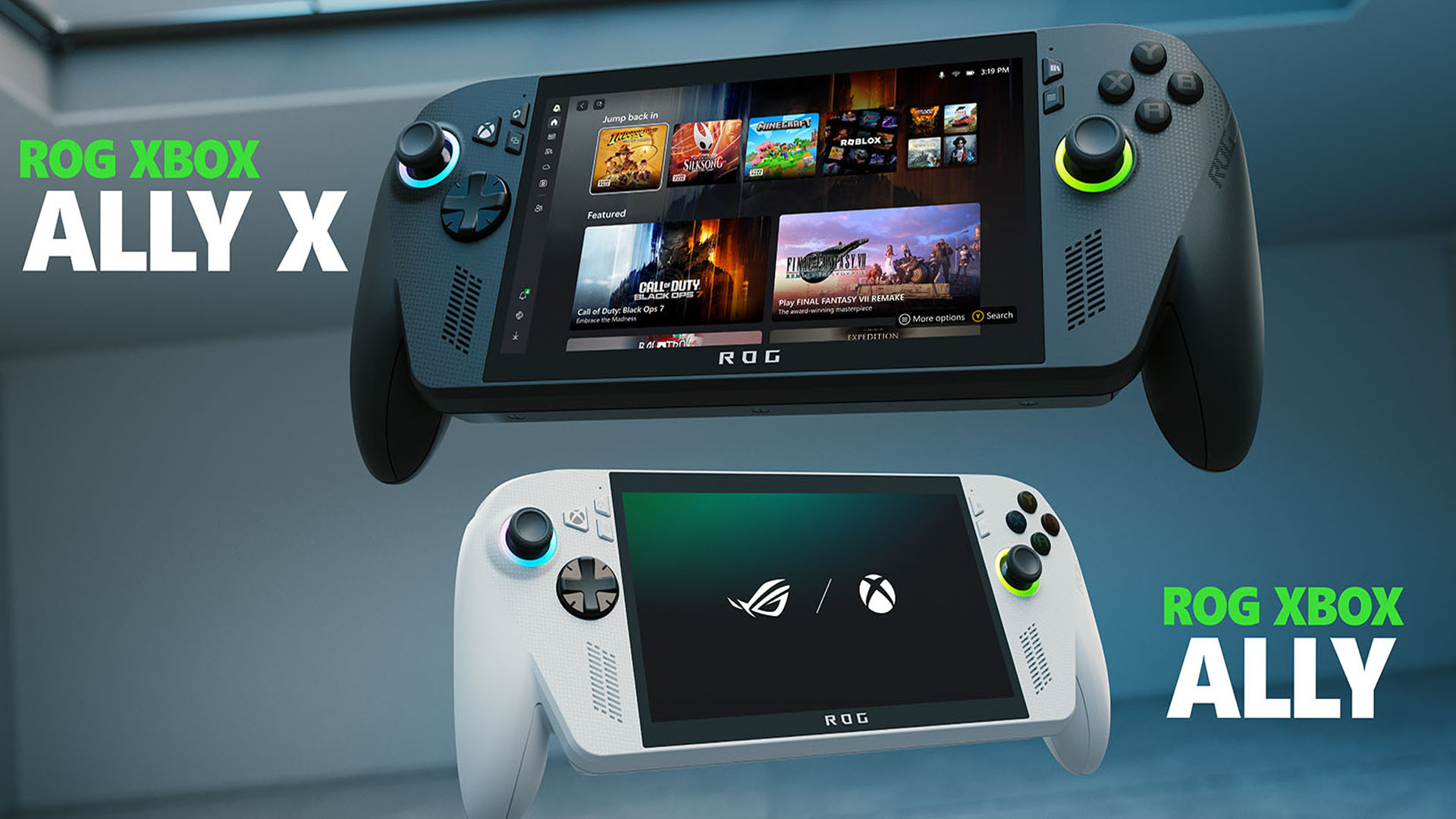

The Xbox app receives major changes that make the portable experience more comfortable.
More stories in the category Updates
- Subnautica 2 is already preparing huge changes: improved cooperative, new creatures and much more content
- Forza Horizon 6 reveals its first unlockable cars of the first month
- Crimson Desert receives a huge update with new mounts, visual improvements and dozens of fixes
| Don't miss anything and follow us on Google News! |
The Xbox handheld experience continues to evolve and the latest March update makes it clear. The Xbox app on the ROG Xbox Ally has received several improvements that, while not revolutionary, make everything more practical in daily use.
The goal is evident: reducing steps and facilitating access to key features directly from the Xbox interface, without relying on external tools like Armory Crate.
New features on the ROG Xbox Ally after the March update
Among the most important new features is a new tab called “Screen”, accessible from the Xbox guide. From there, it is now possible:
- Adjust resolution and refresh rate without leaving the interface
- Avoid having to use the system’s external software
A new “Projection” tab has also been added, designed for when you connect the device to an external base or monitor. It allows you to choose between:
- Duplicate screen
- Extend desktop
- Show only on external screen
Another useful improvement is the ability to change the position of notifications while playing, allowing you to choose from nine different areas of the screen. Additionally, a feature that could make a difference in the coming weeks has been announced: Auto Super Resolution, which will arrive in a preliminary version in April 2026 and promises to improve performance and FPS in compatible games.
Although it’s not a huge update, it’s one of those that improves the user’s real experience. And the most interesting thing is that these changes are not limited to the handheld device, as they should also apply to the full-screen Xbox interface on PC.


Lover of videogames, Xbox, Halo and Gears of War.
Related Post