Close Menu
  • Free content
  • All news
    • General
    • Consoles
    • Multimedia
    • Updates
    • Apps
    • Xbox Live
    • Retro Zone
  • Game Pass
  • Reviews
  • Editorial
    • Previews
    • Guides
  • Deals
    • Xbox Deals
    • PC Deals
  • PC
    • Epic Games Store
    • Steam
    • Hardware
  • Technology
    • Mobiles
    • Windows
  • Contact
Facebook X (Twitter) Instagram
  • Free content
  • Xbox Game Studios
  • Industry
Spanish version
Facebook X (Twitter) Instagram YouTube
Generacion XboxGeneracion Xbox
  • All news
    • General
    • Consoles
    • Multimedia
    • Updates
    • Apps
    • Xbox Live
    • Retro Zone
  • Game Pass
  • Reviews
  • Editorial
    • Previews
    • Guides
  • Deals
    • Xbox Deals
    • PC Deals
  • PC
    • Steam
    • Epic Games Store
    • Hardware
  • Technology
    • Windows
    • Mobiles
  • Contact
Generacion XboxGeneracion Xbox
Home»Guides»Crimson Desert fails on PC from Xbox app: this is how you can fix it for now
Crimson Desert fails on PC from Xbox app: this is how you can fix it for now
Guides No Comments

Crimson Desert fails on PC from Xbox app: this is how you can fix it for now

Adrián FuentesBy Adrián Fuentes21 March, 2026No Comments

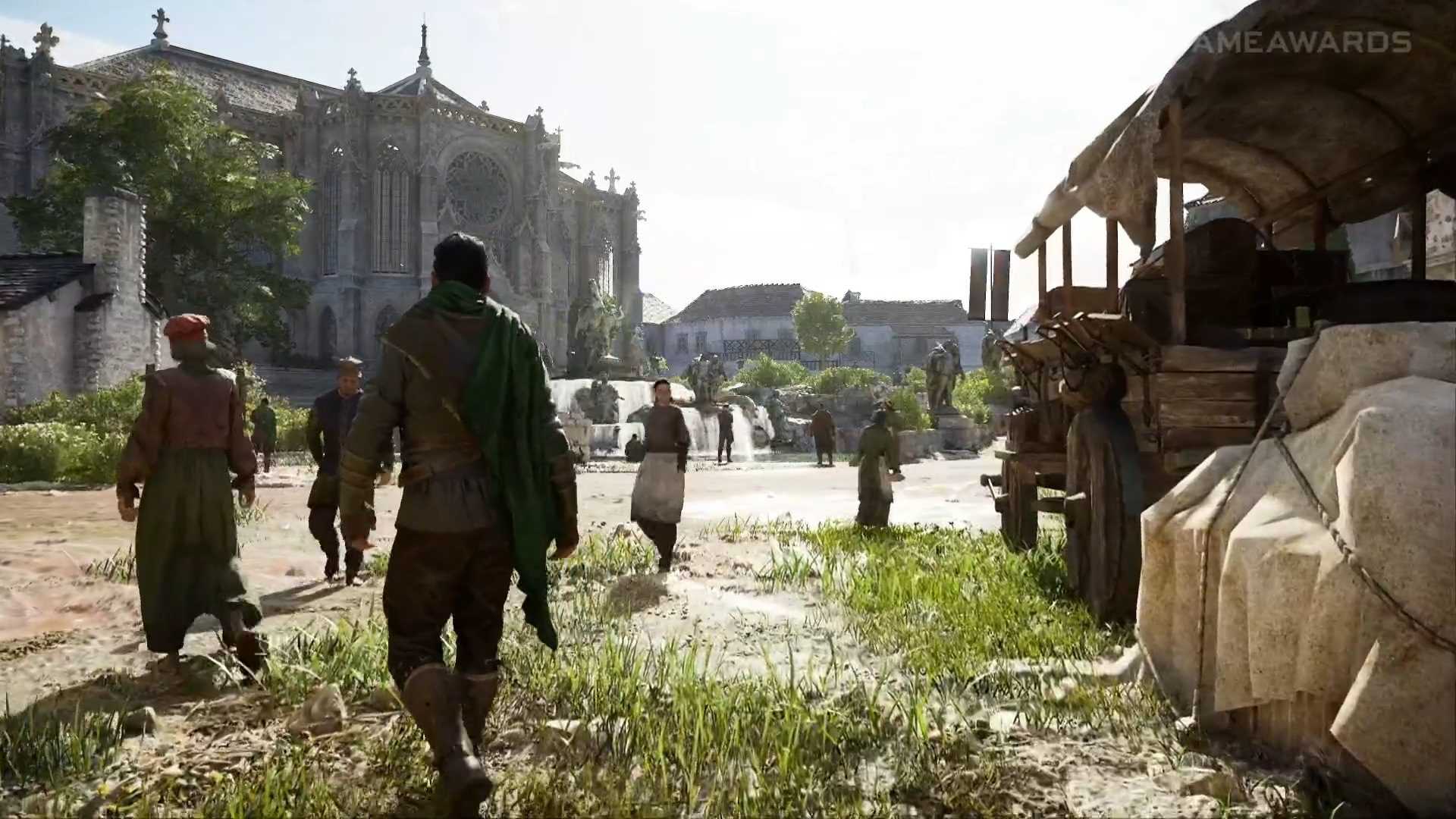
Some players are reporting unexpected closures when starting the game on PC.

More stories in the category PC

  • Get this tactical game for PC for free for a limited time on Steam
  • The Epic Games Store is giving us a new surprise game for free for a limited time
  • Steam Machine is approaching: SteamOS starts to prepare the ground for its release
Don't miss anything and follow us on Google News!

If you’re trying to play Crimson Desert on PC via the Xbox app and the game crashes as soon as it starts, you’re not alone. In recent hours, several players have reported crashing issues when launching the game, especially from the Xbox environment on PC.

Luckily, there’s already a solution that’s working for many cases and doesn’t require reinstalling anything or tweaking complicated settings.

How to fix the Crimson Desert issue on PC

The solution involves ensuring that the Microsoft Store is completely up-to-date, as the problem seems to be related to system components that haven’t been updated correctly.

You can do this in two ways:

  • Open the Microsoft Store
  • Go to Downloads
  • Click on Check for updates

Or, if you prefer a quicker method:

  • Press Win + R
  • Paste this command:
    ms-windows-store://pdp/?productid=9MWPM2CQNLHN

This shortcut will take you to the corresponding page to force the necessary update.

For now, this is the recommended solution while a more definitive patch is being worked on. If you’re experiencing this issue, it’s worth trying this before attempting more complex alternatives.

We’re aware some players are experiencing crashes when launching Crimson Desert from the Xbox app on PC. To fix this, open the Microsoft Store, go to Downloads, and check for updates. Or press Win + R and paste: ms-windows-store://pdp/?productid=9MWPM2CQNLHN

— Xbox Support (@XboxSupport) March 21, 2026

Banner

This content has been automatically translated from the original material. Due to the nuances of machine translation, there may be slight differences. For the original version,click here.
Share. Facebook Twitter Telegram WhatsApp
Adrian
Adrián Fuentes
  • Website
  • X (Twitter)
  • Instagram

Founder and editor of SoloXboxOne and Generación Xbox. He is also one of the owners of the GX Group, Samsung Universe and the Reflotes forum. Adrian has reviewed over 200 games on the web and has an average score of 85 according to Opencritic. Among his expertise as a writer and analyst, he has interviewed Microsoft personalities and participated in private gaming events.


Related Post
Get this tactical game for PC for free for a limited time on Steam

Get this tactical game for PC for free for a limited time on Steam

20 March, 2026
The Epic Games Store is giving us a new surprise game for free for a limited time

The Epic Games Store is giving us a new surprise game for free for a limited time

20 March, 2026
Steam Machine is approaching: SteamOS starts to prepare the ground for its release

Steam Machine is approaching: SteamOS starts to prepare the ground for its release

20 March, 2026
```
About Generación Xbox

We are a plural team, betting on diversity and quality in content. For us, the community is one of the key pieces to stay active.

Our content is protected by Creative Commons license. You can share it, but you cannot copy it or claim authorship.


We use cookies to monetize some affiliate services such as Amazon or Microsoft Store among others. It does not affect you in any way, but it helps us to continue existing.

Featured links
  • All backwards compatible games.
  • All games with support for FPS Boost.
  • Updated list: Games with crossplay support.
  • All free games.

  • Privacy policy.
  • Privacy and cookie settings
  • Game review publication policy.
  • Meet the team.
  • Contact us.
Join the team!

Generacion Xbox
Facebook X (Twitter) Instagram YouTube
© 2026 Positioned and developed with ❤️ by Ninja Labs.

Type above and press Enter to search. Press Esc to cancel.