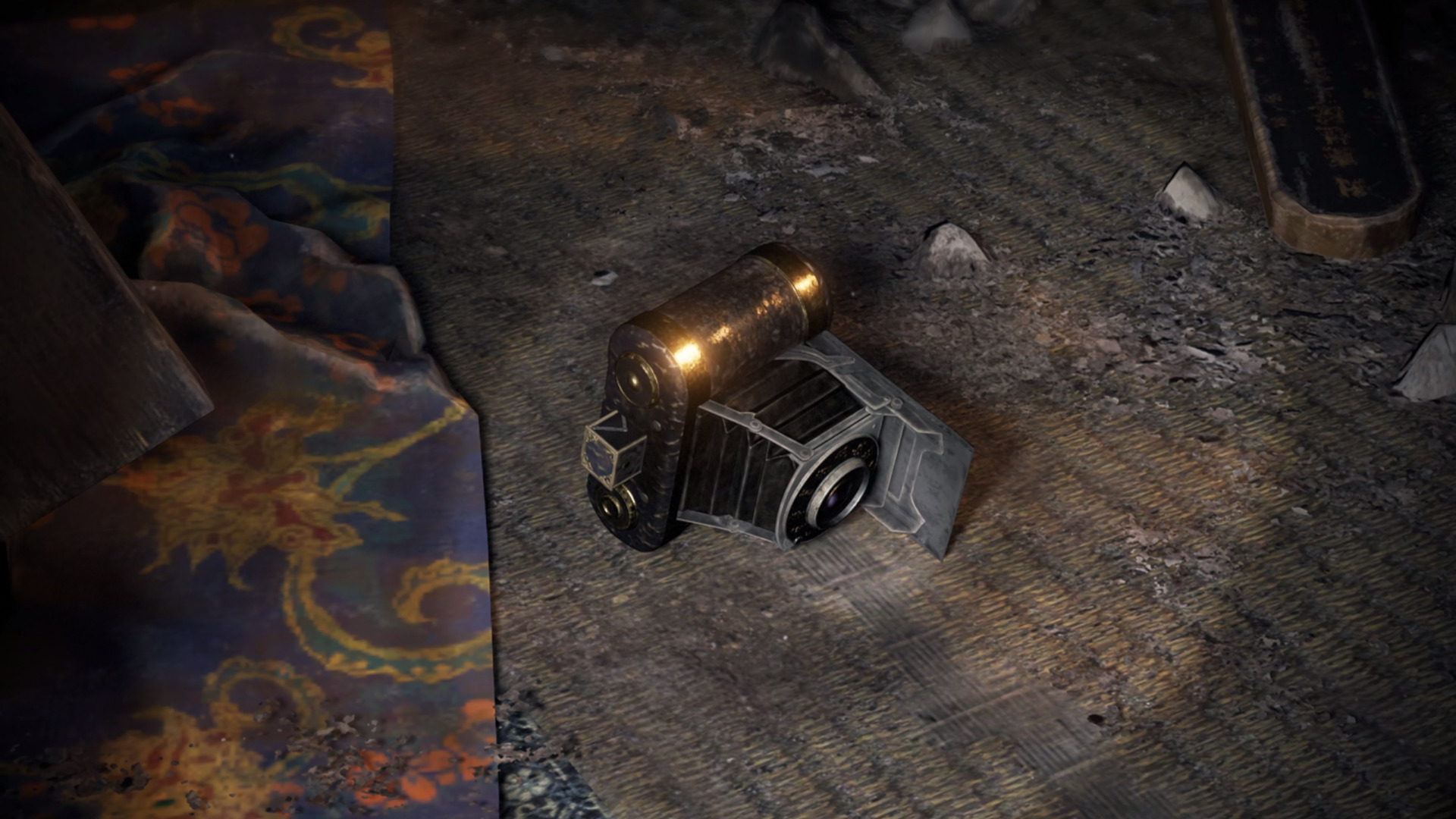

The new update allows to eliminate the visual filter that adds grain to the image.
More stories in the category Updates
- Xbox prepares an update with longer gamertags, classic achievements and cloud gaming during downloads
- This is what’s new that will arrive with the next Xbox Series update
- Dragon’s Dogma 2 Prepares Its Biggest Update on Xbox and Already Has a Huge Expansion
| Don't miss anything and follow us on Google News! |
Fatal Frame II: Crimson Butterfly Remake has just received a brand-new update on Xbox Series and PlayStation 5 that introduces a specific graphical improvement: players can now toggle the “film grain” effect on or off from the game’s settings.
This visual filter adds a cinematic grain effect to the image, which enhances the classic horror atmosphere of the series, but had also sparked debate among some players who preferred a cleaner image during gameplay.
The new film grain option is now live in the game
After installing the update, the game features a toggle switch within the settings menu that allows players to enable or disable this graphical effect at any time.
The change applies to both versions:
-
The full game
-
The demo currently available
The film grain effect is a visual feature inspired by analog cinema that adds texture to the image to reinforce the game’s dark and cinematic tone. However, many players had requested the option to disable it to improve visual clarity.
With this update, the Fatal Frame II: Crimson Butterfly remake offers more control over the visual aspect, allowing players to adjust their experience according to their preferences on current-gen consoles.


Translator and video game localiser with a passion for retro titles and simulators. He has never let go of a controller since he was given an Atari 2600. He collaborates with different developers in the localisation of their titles into Spanish through Camelot Translations.
Related Post