
If you record on Xbox, check this out before you lose your clips.
More stories in the category Slider
- Get Remothered: Tormented Fathers for free for 24 hours
- Gears of War: E-Day already has a release date on Xbox and will be exclusive
- There is already a rival for GTA 6 in November
| Don't miss anything and follow us on Google News! |
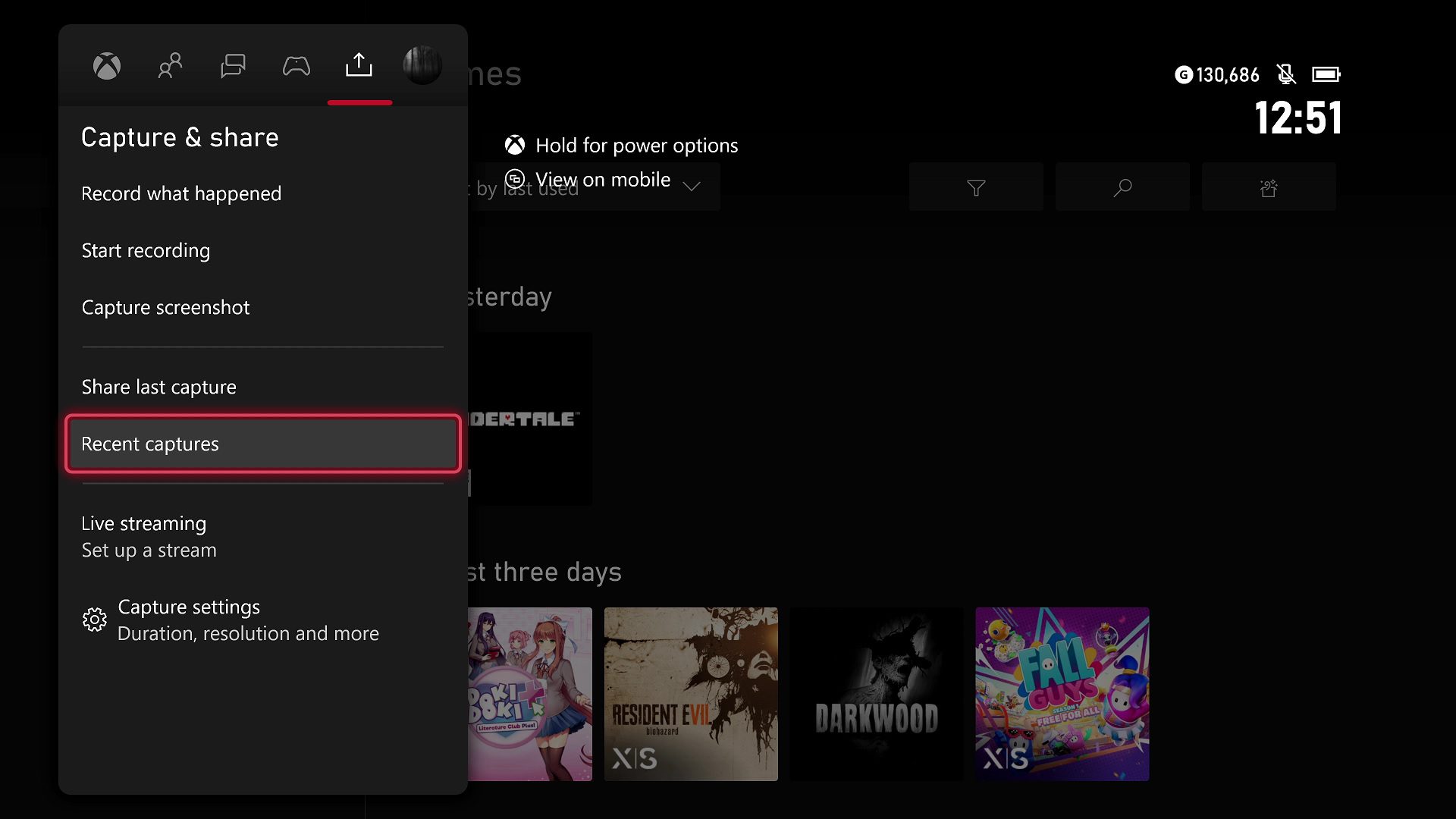
If you often record gameplay on your console, there’s a detail that many gamers are still unaware of. The clips stored on your Xbox’s internal drive are not permanent and can be automatically deleted when a certain storage threshold or time limit is reached.
Several users have brought up the issue again after discovering that old recordings had vanished without warning. The confusion arises because many assume that, since they’re stored on the internal drive, the clips remain indefinitely.
Xbox Local Clips Are Deleted When Storage Limit Is Exceeded
According to various gamers, the system starts deleting clips when the storage capacity reaches around 150 to 180 recordings, mostly short 15-second videos in 720p, although longer clips of up to 3 minutes can also be included. In other cases, videos may be automatically deleted after 21 days, even if they haven’t been uploaded to Xbox Network.
This means that internal storage is not a safe space to keep important gameplay moments, especially if you record frequently. Screenshots, on the other hand, don’t seem to be subject to the same automatic deletion criteria.
To avoid losses, there are only two reliable methods:
-
Save directly to an external drive, which prevents automatic deletion.
-
Upload clips to OneDrive periodically to keep a cloud copy.
Many gamers have discovered this behavior when trying to recover old clips, only to find they were no longer available. If you regularly record gameplay and want to keep those moments, it’s a good idea to review your settings and make backups before the system frees up space on its own.


Founder and editor of SoloXboxOne and Generación Xbox. He is also one of the owners of the GX Group, Samsung Universe and the Reflotes forum. Adrian has reviewed over 200 games on the web and has an average score of 85 according to Opencritic. Among his expertise as a writer and analyst, he has interviewed Microsoft personalities and participated in private gaming events.
Related Post