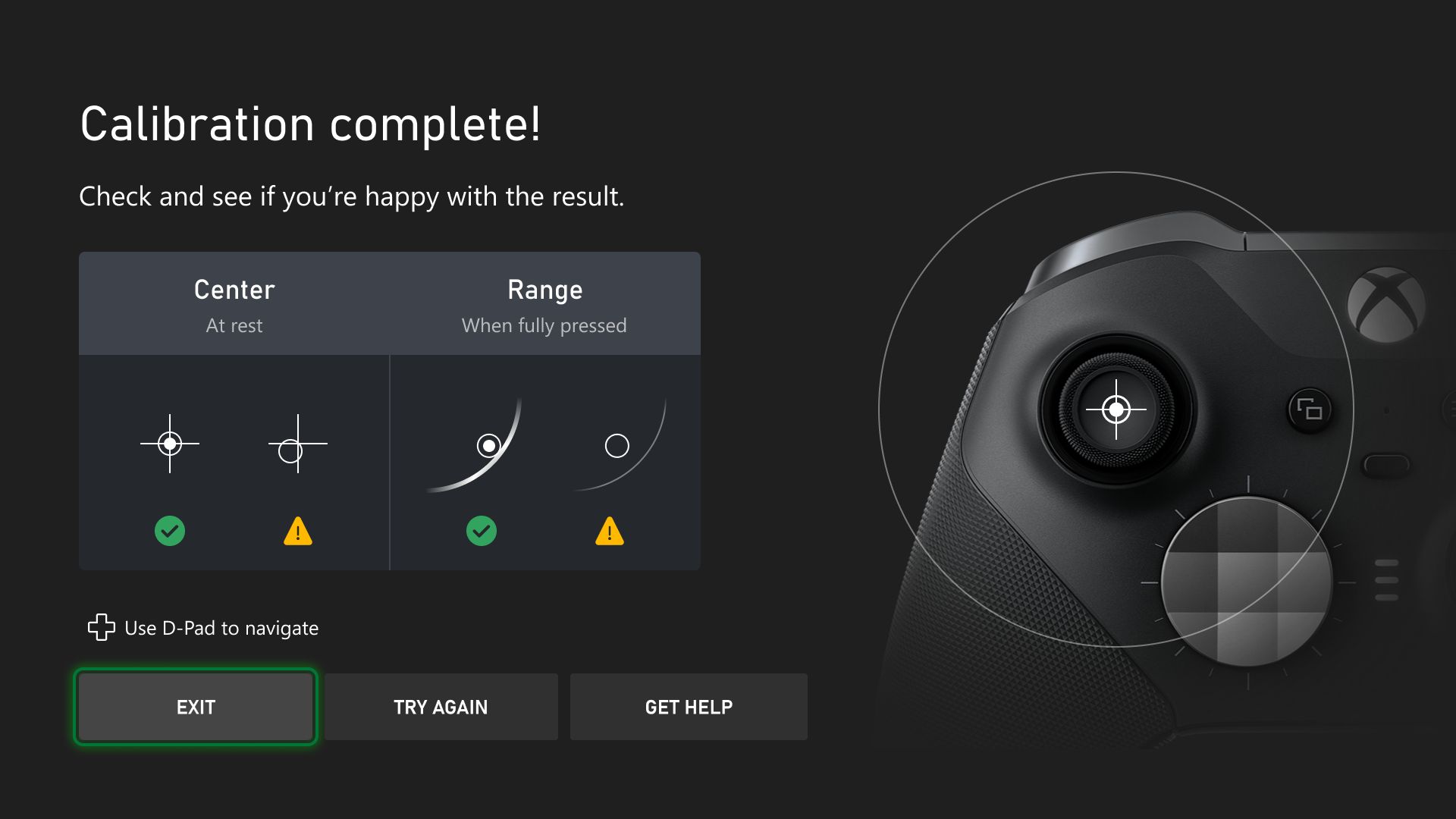

It seems that we are going to have a simple solution to calibrate and adjust Xbox controllers affected by Drift.
More stories in the category Hardware
- Lords of the Fallen 2 promises brutal customization with over 100 armors from launch
- Official: This is how the development of Bioshock 4 is going
- Xbox confirms the end of Copilot on console and restructures its strategy to move forward faster
| Don't miss anything and follow us on Google News! |
Just a couple of days ago, my colleague David was telling you about the update V.5.24.4.0 for the Xbox controller. This update allows the accessories app to make persistent adjustments within the controller itself, meaning you can make adjustments and have them saved within the controller.
The thing is, this has opened up a whole new world of possibilities that the team at @DriftGuard has taken advantage of to help us get rid of, at least partially, the drift issue in these controllers. The theory is that drift in Xbox controllers occurs when the analog stick moves on its own in-game without you touching it, causing the camera or character to move involuntarily. This usually happens due to mechanical wear and tear on the potentiometer or due to dirt or dust accumulation interfering with the motion sensor.
Xbox One Controller running the latest Xbox Series Controller FIRMWARE!
With calibration support!:)
Soon in DriftGuard… pic.twitter.com/WyEcpiUHMI— DriftGuard (@driftguardapp) December 6, 2025
Soon, your “broken” controllers could have a second life
However, there are applications that allow you to make adjustments to calibrate dead zones or ghost inputs. The folks at Driftguard have an app on Steam that lets you calibrate all this, and thanks to the new firmware, it’s now possible.
The Driftguardapp team is proud to announce to the entire community: We did it! We’ve discovered and activated the possibility of calibrating analog sticks on Xbox One S controllers!
This is something that was previously impossible! What does this mean in practice?
1. After replacing analog sticks: calibration with a new joystick like Non-Drift will work with perfect centering and full range.
2. Elimination of drift: if your current analog sticks have drift that makes gaming difficult, calibration will allow you to eliminate it to a great extent, restoring perfect centering.
One detail to note is that the application is currently only available on Steam, and I’ve checked the Xbox store and couldn’t find any app from these guys, which I assume they’ll port over soon. It’s also worth mentioning that they only mention the Xbox One controller version, although I’m assuming it’s extensible to the Elite and Series controllers.


Jose Angel is one of the founders of Generación Xbox, Universo Samsung and Reflotes. He has been managing all the group's websites since 2014 and has extensive experience in the video games sector and has provided exclusive sources for the website. He has also interviewed numerous personalities from the video game world. Jose Angel has reviewed more than 200 games, and usually rates them with an average score of 75 out of 100 according to Open Critic. He also writes and manages Samsung Universe.
Related Post