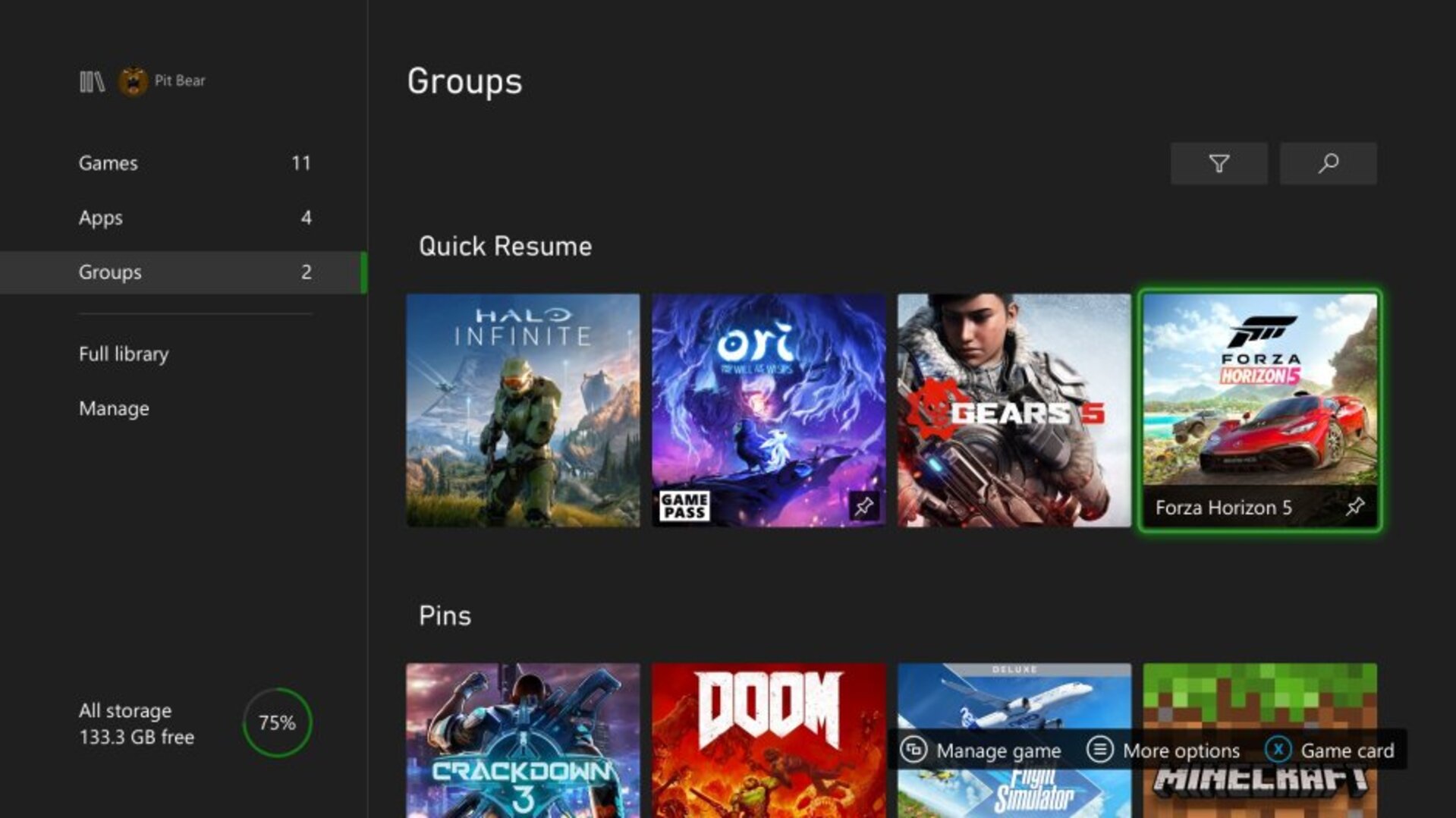

The star function of Xbox Series allows to resume several games instantly without losing progress.
More stories in the category Guides
- Tomb Raider: Legacy of Atlantis confirms Latin American Spanish voices, but leaves out Spain dubbing
- Call of Duty: Modern Warfare 4 reveals the content of its most complete edition
- Try this on your Xbox and maybe Microsoft will give you a Gift Card with balance to spend on the Store
| Don't miss anything and follow us on Google News! |
Among the most useful features offered by Xbox Series, Quick Resume has become one of those tools that, once you try it, you don’t want to lose. Despite being available since 2020, many players still don’t take full advantage of it. This feature allows you to jump between several games and resume them exactly where you left off, without having to go through menus, loading screens or restart the game.
What many people don’t know is that Quick Resume can keep several titles suspended at the same time, ready to continue at any moment. It doesn’t matter if you turn off the console or switch to another game: the system saves the state of each one and allows you to return to action almost instantly.
How to get the most out of Quick Resume on Xbox Series
Using Quick Resume is no mystery. You just need to start several games and not close them manually. The console saves your progress on the internal SSD, and from the Xbox button on the controller, you can access the quick menu to see which titles are ready with Quick Resume. When you choose one, the change is instantaneous, as if you had never left it.
-
It even works after turning off the console or unplugging it from the power source. When you turn it back on, the game continues where you left off.
-
You can have up to six games suspended at the same time, depending on the size and type of each one.
-
No internet connection is required to use it; Quick Resume saves everything locally on the SSD.
-
Each game maintains its own state: if you switch between campaigns or profiles, each one keeps its progress.
-
It updates in the background, so some titles that didn’t support it before now do work with Quick Resume.
-
The Quick Resume icon appears in the top right corner when you resume a compatible game, confirming that the feature is active.
-
Freeing up space on the SSD does not delete your saved sessions with Quick Resume, unless you manually delete the game.
It’s an ideal option for those who switch between genres (a match, a mission, or a quick online game) without wasting time. If a game doesn’t support it, it’s not a console issue, but a limitation of the game itself, something that Microsoft improves gradually with new system updates.


Lover of videogames, Xbox, Halo and Gears of War.
Related Post