Close Menu
  • Free content
  • All news
    • General
    • Consoles
    • Multimedia
    • Updates
    • Apps
    • Xbox Live
    • Retro Zone
  • Game Pass
  • Reviews
  • Editorial
    • Previews
    • Guides
  • Deals
    • Xbox Deals
    • PC Deals
  • PC
    • Epic Games Store
    • Steam
    • Hardware
  • Technology
    • Mobiles
    • Windows
  • Contact
Facebook X (Twitter) Instagram
  • Free content
  • Xbox Game Studios
  • Industry
Spanish version
Facebook X (Twitter) Instagram YouTube
Generacion XboxGeneracion Xbox
  • All news
    • General
    • Consoles
    • Multimedia
    • Updates
    • Apps
    • Xbox Live
    • Retro Zone
  • Game Pass
  • Reviews
  • Editorial
    • Previews
    • Guides
  • Deals
    • Xbox Deals
    • PC Deals
  • PC
    • Steam
    • Epic Games Store
    • Hardware
  • Technology
    • Windows
    • Mobiles
  • Contact
Generacion XboxGeneracion Xbox
Home»News»Xbox Cloud Gaming debuts new browser interface: more fluid and this is how you can activate it
Xbox Cloud Gaming debuts new browser interface: more fluid and this is how you can activate it
News No Comments

Xbox Cloud Gaming debuts new browser interface: more fluid and this is how you can activate it

Adrián FuentesBy Adrián Fuentes28 January, 2026No Comments

Microsoft renews the game design in the cloud with a clearer and closer experience to Xbox.

More stories in the category News

  • Fatal Frame II: Crimson Butterfly Remake will have a playable demo very soon
  • Cancellation at the last minute of the launch on Xbox of this Nickelodeon game
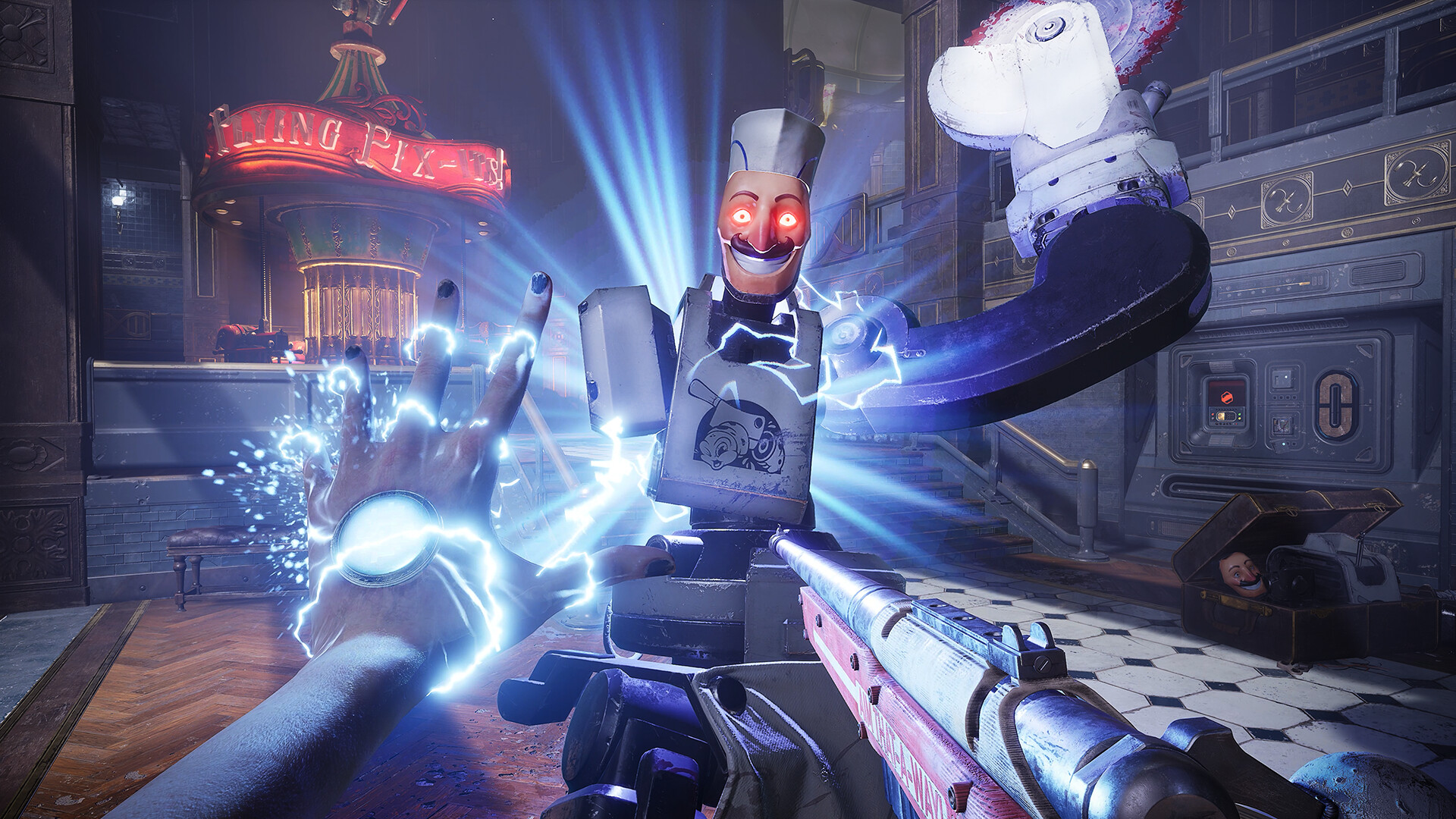
  • Judas reveals new details and aims high: the new game from the creator of BioShock promises to surprise
Don't miss anything and follow us on Google News!

Microsoft has started rolling out a new interface for Xbox Cloud Gaming on web browsers, a redesign aimed at improving fluidity, navigation, and visual consistency with the Xbox ecosystem. However, for now, it’s not enabled by default, as it’s part of an optional preview that users can access manually.

This facelift has been anticipated for some time, with several hints detected in internal versions, and as of today, it’s possible to try it out by following a few simple steps. The goal is clear: to lay the groundwork for future improvements and accelerate the development of new features within cloud gaming.

How to activate the new Xbox Cloud Gaming interface step by step

To try out this new design, simply follow these steps from a compatible browser:

  1. Access this link and sign in with your Xbox account.

  2. Click on the profile icon in the top right corner.

  3. Go to Settings.

  4. Within the account section, enable the Preview Features option.

  5. Confirm the change and close the page.

  6. Wait a few minutes (up to 10) or log back in.

  7. You can also access it directly by typing play.xbox.com in your browser.

Important: If you ever prefer to go back to the previous experience, simply return to xbox.com/play and disable the preview option.

Once activated, you’ll notice a more agile navigation, a cleaner design, and an aesthetic aligned with Xbox Series, although some features might still be unavailable or behave differently, as this is a test version.

Microsoft encourages users to send feedback directly from the interface, as this feedback will be crucial in refining the design before its general release. A logical step that reinforces Xbox’s commitment to cloud gaming as a central part of its future.

Banner

This content has been automatically translated from the original material. Due to the nuances of machine translation, there may be slight differences. For the original version,click here.
Share. Facebook Twitter Telegram WhatsApp
Adrian
Adrián Fuentes
  • Website
  • X (Twitter)
  • Instagram

Founder and editor of SoloXboxOne and Generación Xbox. He is also one of the owners of the GX Group, Samsung Universe and the Reflotes forum. Adrian has reviewed over 200 games on the web and has an average score of 85 according to Opencritic. Among his expertise as a writer and analyst, he has interviewed Microsoft personalities and participated in private gaming events.


Related Post

Fatal Frame II: Crimson Butterfly Remake will have a playable demo very soon

Fatal Frame II: Crimson Butterfly Remake will have a playable demo very soon

28 January, 2026
Cancellation at the last minute of the launch on Xbox of this Nickelodeon game

Cancellation at the last minute of the launch on Xbox of this Nickelodeon game

28 January, 2026
Judas reveals new details and aims high: the new game from the creator of BioShock promises to surprise

Judas reveals new details and aims high: the new game from the creator of BioShock promises to surprise

28 January, 2026
```
About Generación Xbox

We are a plural team, betting on diversity and quality in content. For us, the community is one of the key pieces to stay active.

Our content is protected by Creative Commons license. You can share it, but you cannot copy it or claim authorship.


We use cookies to monetize some affiliate services such as Amazon or Microsoft Store among others. It does not affect you in any way, but it helps us to continue existing.

Featured links
  • All backwards compatible games.
  • All games with support for FPS Boost.
  • Updated list: Games with crossplay support.
  • All free games.

  • Privacy policy.
  • Privacy and cookie settings
  • Game review publication policy.
  • Meet the team.
  • Contact us.
Join the team!

Generacion Xbox
Facebook X (Twitter) Instagram YouTube
© 2026 Positioned and developed with ❤️ by Ninja Labs.

Type above and press Enter to search. Press Esc to cancel.