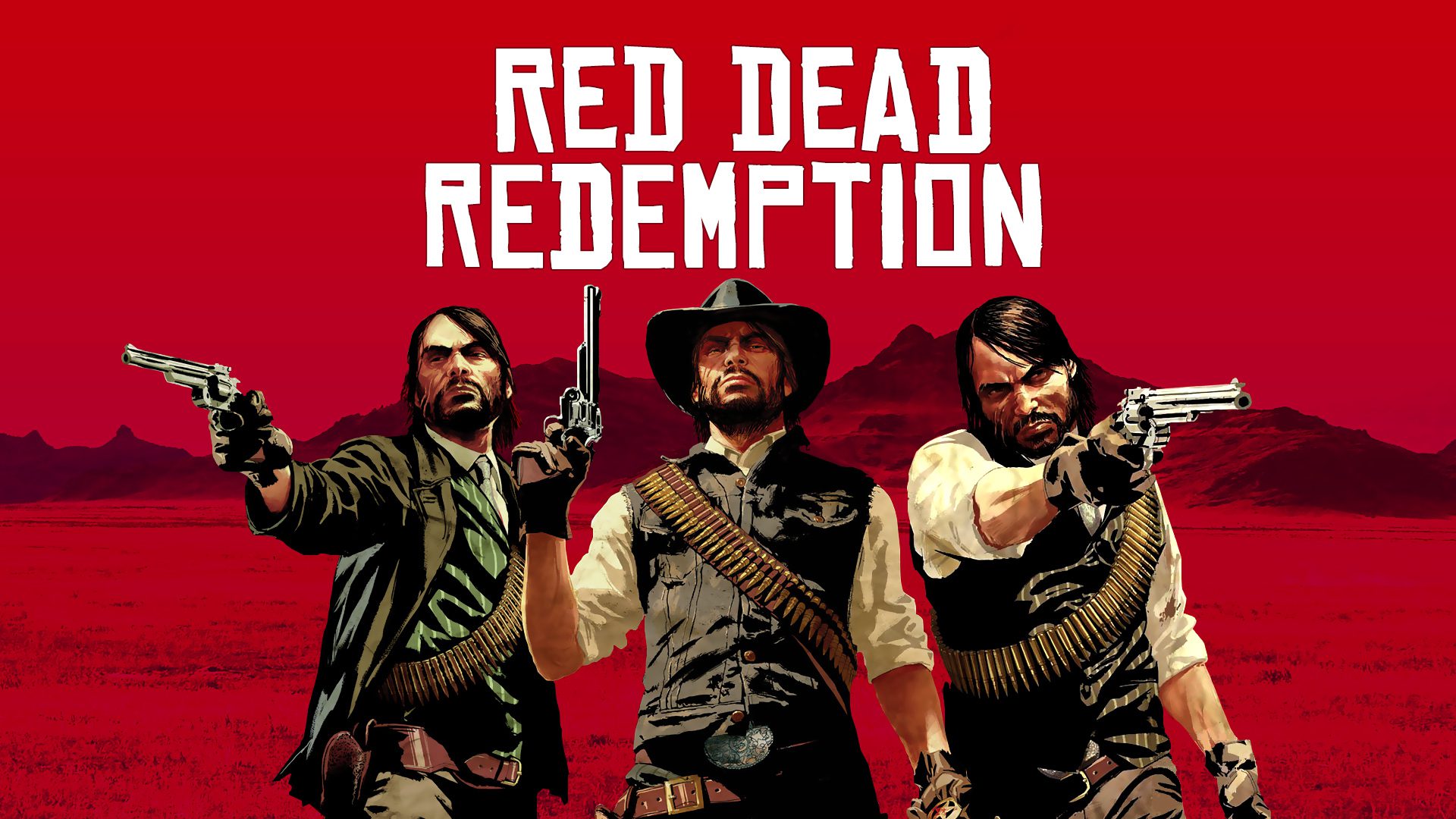

Step by step to activate the free update of Red Dead Redemption on Xbox.
More stories in the category News
- Is GTA 6 expensive, the price continues to generate debate among players
- Fable could be delayed if it coincides with GTA 6, according to a new rumor
- Hogwarts Legacy 2 could be closer: Avalanche makes a move
| Don't miss anything and follow us on Google News! |
The situation with the update of Red Dead Redemption for Xbox is being quite confusing, to say the least. While many players, including us, are still seeing it as a paid product, others have managed to get the Store to allow them to add the new version for free. Everything points to an error in the store that is not behaving the same for all users.
The most shared case comes from Reddit, where a player has explained step by step how they managed to get the update to appear as free after trying different versions of the store, both on the console and on the mobile app.
How some players are unlocking the Xbox Series version without paying
According to these users, the process that has worked for them is as follows:
-
Check the game’s page on the Xbox mobile app, where in some cases it appears as “free” even though on the console it still shows a price.
-
Click the purchase button on the app and add it to the library.
-
Go back to the console and search for the game in the Store again.
-
Instead of the purchase button, the option “Manage game” appears on the Xbox Series version.
-
If a purchase offer still appears, the button redirects to the Xbox 360 version, which many already have installed.
-
Players who have managed to advance in the process claim that uninstalling the Xbox 360 version has been key.
-
After doing so, when returning to the Store, both the Xbox Series and Xbox 360 versions appear in the installation list as if they were part of the same package.
-
Finally, they can install the improved version.
Those who have shared the method believe that the problem lies in how the Microsoft Store currently identifies owners of the Xbox 360 version, since that independent edition is no longer for sale and is now part of a “bundle” that combines both versions. This would be causing the console to block and not display access to the update correctly.
For now, irregular results
Although several players confirm that this method has worked for them, in our case the update still appears as a paid product, even after trying the described steps. Everything points to the fact that the Microsoft Store is still adjusting the content assignment and is not delivering the update correctly for everyone.
If you’re trying to get it, it may be a matter of hours or days until the situation normalizes. We will update the news as soon as Microsoft clarifies or corrects the problem.


Founder and editor of SoloXboxOne and Generación Xbox. He is also one of the owners of the GX Group, Samsung Universe and the Reflotes forum. Adrian has reviewed over 200 games on the web and has an average score of 85 according to Opencritic. Among his expertise as a writer and analyst, he has interviewed Microsoft personalities and participated in private gaming events.
Related Post