
Ubisoft explains step by step how to access the expansion without completing the main story.
More stories in the category Updates
- Crimson Desert receives a new patch on Steam that improves DLSS and solves these visual bugs
- New update available for Crimson Desert with all these fixes
- Crimson Desert updates with new content and dozens of improvements in its largest patch so far (full list)
| Don't miss anything and follow us on Google News! |
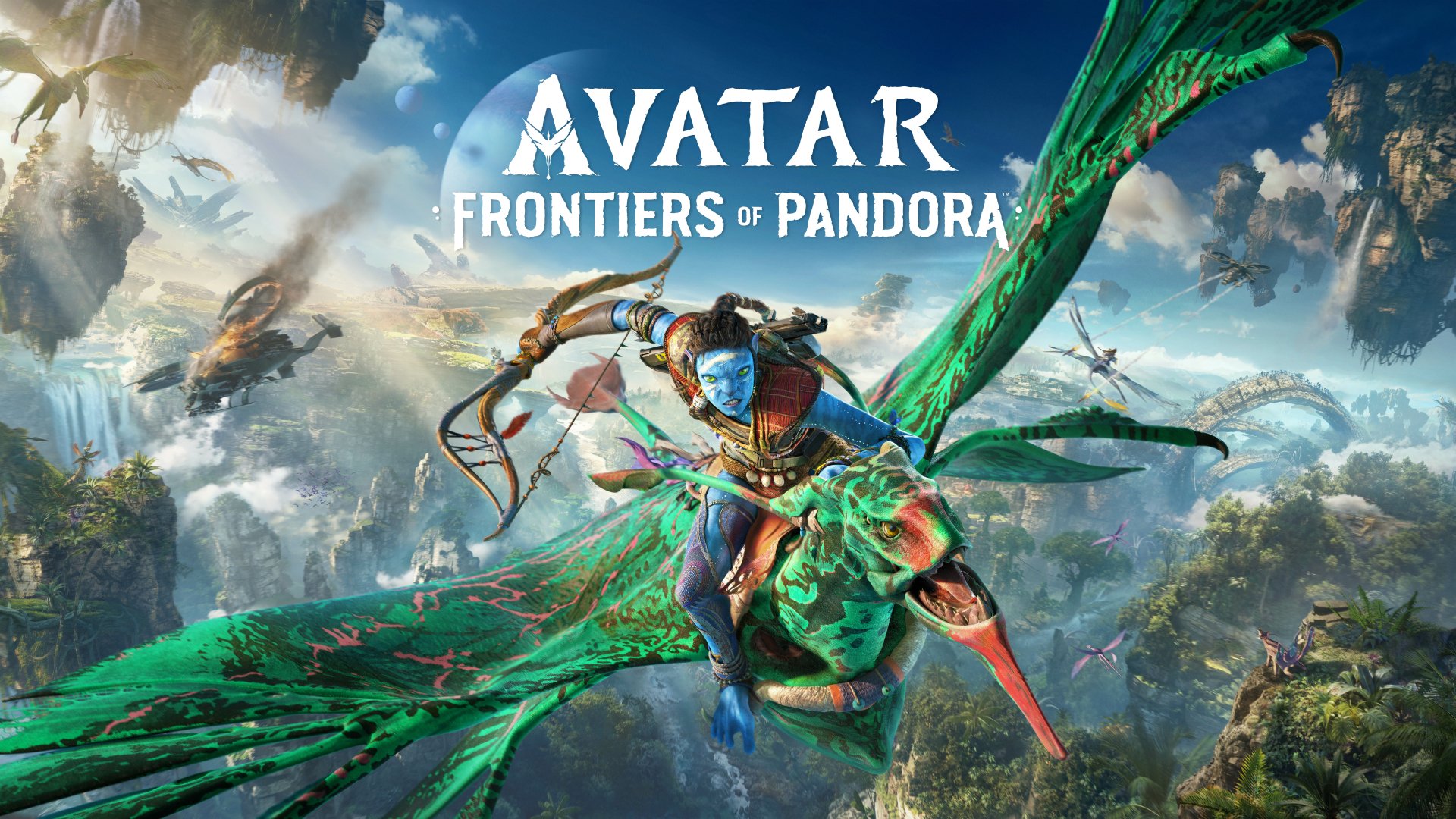
Ubisoft has made From the Ashes available to players, the new expansion of Avatar: Frontiers of Pandora, inspired by the events that connect to the third film in the Avatar universe. Unlike other additional content, this DLC does not require completing the main campaign, making it easy to access its new features immediately.
The developer has opted for a flexible system that allows each player to decide when to jump into the new content, keeping or not keeping previous progress. This is especially useful for those who want to focus directly on the expansion without redoing the entire base adventure.
How to start the From the Ashes DLC step by step
To start From the Ashes, follow these steps from the game’s main menu:
-
On the initial screen, select the “Change Story” button, located in the bottom right corner.
-
A menu with two available timelines will open:
-
Year 2169 (blue background): corresponds to the base game.
-
Year 2170 (red background): corresponds to the From the Ashes DLC.
-
-
Choose “Go to 2170” to start the expansion.
-
The game will ask if you want to import an existing character or create a new one.
-
You can use completed or incomplete saved games.
-
It’s also possible to create a new file exclusively for the expansion.
-
Once you’ve confirmed this step, you’ll access the new DLC content directly without any additional restrictions. With this approach, Ubisoft aims to make the expansion accessible to both veterans and players returning to Pandora now.


Lover of videogames, Xbox, Halo and Gears of War.
Related Post