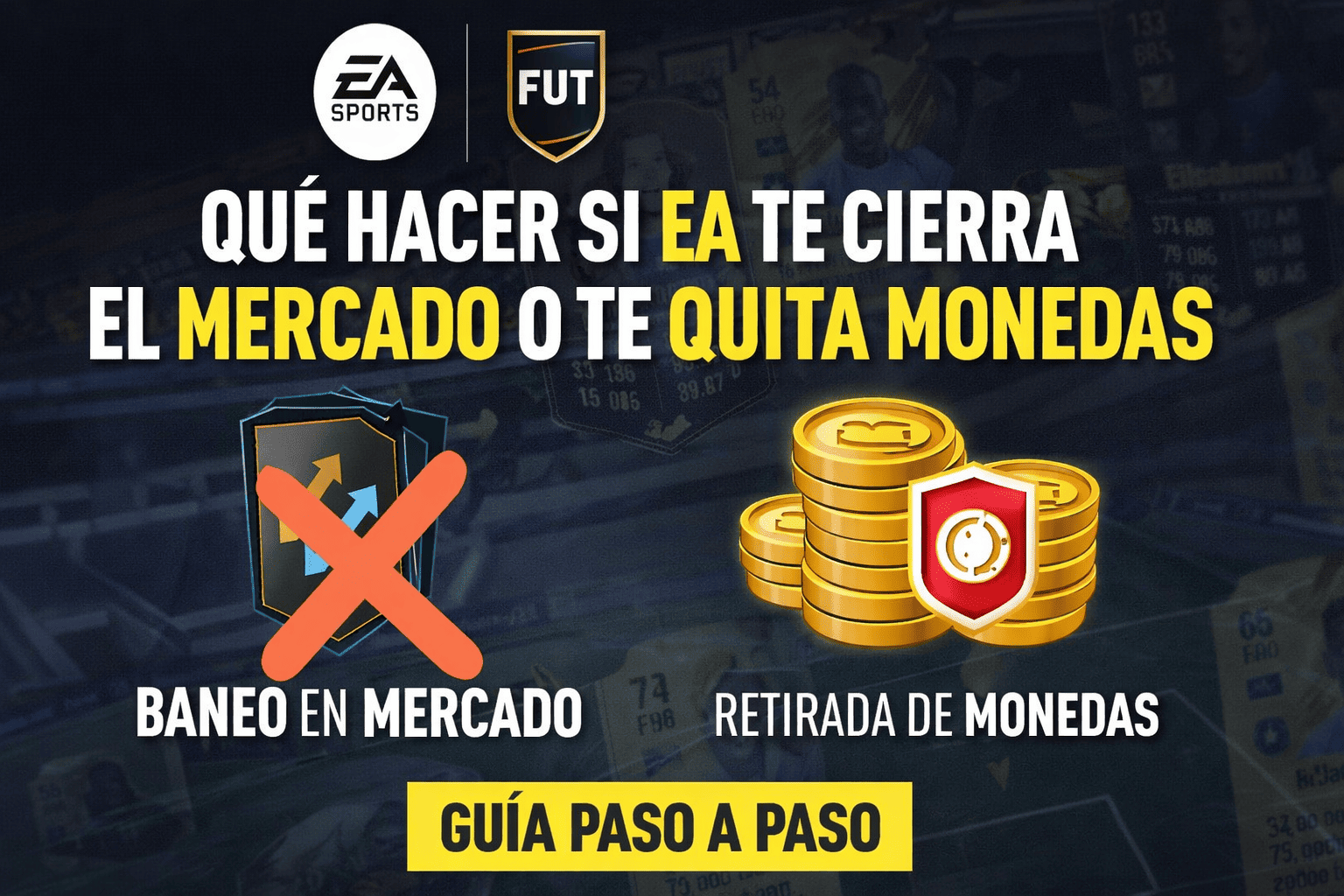

We leave you step by step how to claim your ban from EA Sports FC 26 in the transfer market.
More stories in the category Guides
- This is how you can give a digital game or Xbox Game Pass as a gift from the Store this Christmas
- Elden Ring Nightreign: how to access the DLC The Forsaken Hollows on Xbox and other platforms
- How to transfer your game from PC Game Pass to Steam step by step
| Don't miss anything and follow us on Google News! |
It’s happening again, a new wave of EA Sports FC 26 market bans is hitting the game’s community. I’m not writing this article to be a lawyer for anyone, but it’s true that the cases being reported on social media are numerous, more than I’ve ever seen.
They all seem to share a pattern, they started right with the new Winter Wilcards promotion, suddenly, social media like X is filled with users claiming that their accounts have been suspended to access the transfer market. Others claim that their coins have been taken away, and others simply don’t know what they’ve done.
Right now, if you’re one of the affected, the only thing you can do is file an appeal, although I warn you that 99% of the time they will reject your appeal. Then you can make several more, all of which will be denied, until you’re not even allowed to complain. On social media, they won’t respond directly, EA’s help service doesn’t answer any complaints, when you accept their terms, you sign a pact where they have all the cards and you’re just another pawn.
What to do if you get banned from the transfer market in EA Sports FC 26
Step 0: Stop and don’t make it worse
Before complaining:
-
Stop operating in the market (if it still lets you).
-
Don’t use apps, macros/bots, or external tools (even if you don’t use them, avoid anything that looks like it).
-
Don’t open 5 tickets in a row “just in case.”
-
Don’t respond with anger or long texts.
The priority is: leaving a clean trail from the ban onwards.
Step 1: Check what ban you’ve been given exactly
Go to EA’s Penalty History tool and review:
-
Type of measure (warning, restriction, coin removal, etc.)
-
Date and platform
-
Appeal status
EA explains the appeal process from their official block/suspension guide and penalty history. EA Help
Step 2: Gather your “information package” (5 minutes)
Before writing to EA, jot down in a note:
-
Your EA ID
-
Platform (PC/Console)
-
Approximate date and time of the ban
-
What you were doing in the 24-48 hours prior:
-
“I bought cheap consumables and sold them at market price”
-
“I sold an expensive player for X coins”
-
-
If you used the Companion/Web App or just the in-game market
This helps you to complain with precision and avoid contradictions.
Step 3: Present your appeal (only once and well)
In the appeal, ask for manual review and make it clear:
-
You didn’t buy or sell coins outside the game
-
You didn’t transfer coins between accounts
-
Your activity was normal market activity (consumables/players) at market price
-
You ask them to review the transaction records
Brief template (copy and paste):
I request a manual review of the Market restriction/coin removal applied to my account. My activity is limited to buying and selling within the game’s market (consumables/players) at market price. I haven’t bought or sold coins outside the game, I haven’t transferred coins/items between accounts, and I don’t use external tools. I ask you to review the transaction records and accesses associated with my account to confirm that there’s no coin distribution.
Step 4: If your case appears as “Transferred”, DON’T touch it
If EA marks the case as Transferred (or similar), it usually means it’s been passed to the Terms of Service team.
-
Don’t “reopen” it
-
Don’t respond in a loop
-
Don’t open another ticket to insist
In many cases, touching the case while it’s in the queue only delays it.
Step 5: If EA responds with “we’ve confirmed the ban” (and doesn’t lift it)
When EA responds with a generic “no”, don’t get blocked: that response usually cites “commercial secret” and doesn’t provide concrete data about your transactions.
There, you have two paths. The first (and most useful in Europe) is the following:
Step 6: Request a DSAR/SAR (GDPR) — the most powerful option in the EU
If you live in Spain or any EU country, you can request a Subject Access Request (DSAR/SAR) under Article 15 of the GDPR, for EA to provide you with the personal data associated with your account (including activity records and, often, transaction data).
- The EU explains the right of access and what type of information you can request. European Commission
How to do it well
-
Open a new case in EA Help (don’t use the one from the ban).
-
Contact via chat/phone.
-
Say literally: “I want to make a DSAR/SAR under GDPR (Article 15)”.
-
Be specific with dates (e.g., “transactions from December 17th and 18th”).
Recommended text:
I want to make a Subject Access Request (DSAR/SAR) under Article 15 of the GDPR.
I request the personal data and records related to my Ultimate Team market transactions that led to the Market restriction/coin removal (including items, prices, and dates/times). I need this information to understand the basis of the measure applied to my account.
- EA may exclude “how they detect” (algorithms), but they must process your request and provide your personal data.
Step 7: If after DSAR the ban remains, move to “Dispute Notification”
This step is more formal. EA’s Terms describe a Dispute Notification process prior to arbitration, with minimum requirements (name, contact, basis of the dispute, and requested solution). They also indicate an EA address (Legal Department, Redwood City) to send that notification. tos.ea.com
What your Dispute Notification should include
-
Full name + contact
-
EA ID
-
What happened (market restriction/coin removal)
-
What you’ve tried (appeal + DSAR)
-
What you’re asking for exactly:
-
“removal of the Market restriction” and/or
-
“reversal of coin removal” and/or
-
“compensation” (if applicable)
-
Here, it’s best to write it short and with facts.
Step 8: If you’re in Spain, additional option: AEPD (data protection)
If EA doesn’t respond to the DSAR within the deadline or responds incompletely, in the EU, there’s the option to complain to the data protection authority. (In Spain, it would be the AEPD). This is usually useful for GDPR compliance, not to “get your market back,” but it can push the process when it gets stuck.
Tips to avoid triggering the system (when you recover the market)
If your case was due to intense activity:
-
Avoid hyper-repetitive buying/selling sessions for hours.
-
Alternate between market and matches/objectives.
-
Avoid “strange” listings, even if they’re legal (same consumable, many times, at odd jumps).
-
Don’t use automations (not even “help” from third parties).
What NOT to do (because it usually makes things worse)
-
Open 10 cases at once
-
Threaten with lawsuits in the first message
-
Send kilometric texts
-
Contradict yourself (“only consumables” and then “I sold 20 expensive players”)
-
Insult the support team (they can’t change bans; they’re intermediaries)
Important considerations
This guide is intended exclusively for cases of possible false positives, i.e., situations where EA has applied a market ban or coin removal without the player having engaged in illegitimate practices.
It’s not a guide to evade bans or for users who have indeed violated the rules, such as:
-
Buying or selling coins through external websites
-
Transferring coins or players between accounts
-
Using bots, macros, or automations
-
Participating in unequal exchanges with the intention of moving balance
-
Accepting coins or players as a “gift” outside the game’s normal system
In those cases, EA usually has clear evidence, and the processes described here don’t usually reverse the ban.
Who is this guide useful for?
For players who:
-
Have operated only within the game’s market
-
Have done normal trading (consumables, managers, players)
-
Have sold cards at the real market price
-
Haven’t used external services or other accounts
-
Have been banned after intense or high-volume activity
These scenarios are the ones that generate the most false positives, especially when the automated system misinterprets the context of transactions.
Important: honesty above all
If a player has bought or sold coins, it’s best not to use this process expecting a different outcome.
This guide works when:
-
The data supports the player
-
There are no directed transfers
-
The problem is how the system interpreted the activity, not what was actually done
Using these avenues while being aware of having violated the rules not only doesn’t help but can also permanently close any margin for review.
This nuance is key for the information to be useful, responsible, and credible, both for affected players and for whoever publishes it.


Founder and editor of SoloXboxOne and Generación Xbox. He is also one of the owners of the GX Group, Samsung Universe and the Reflotes forum. Adrian has reviewed over 200 games on the web and has an average score of 85 according to Opencritic. Among his expertise as a writer and analyst, he has interviewed Microsoft personalities and participated in private gaming events.
Related Post