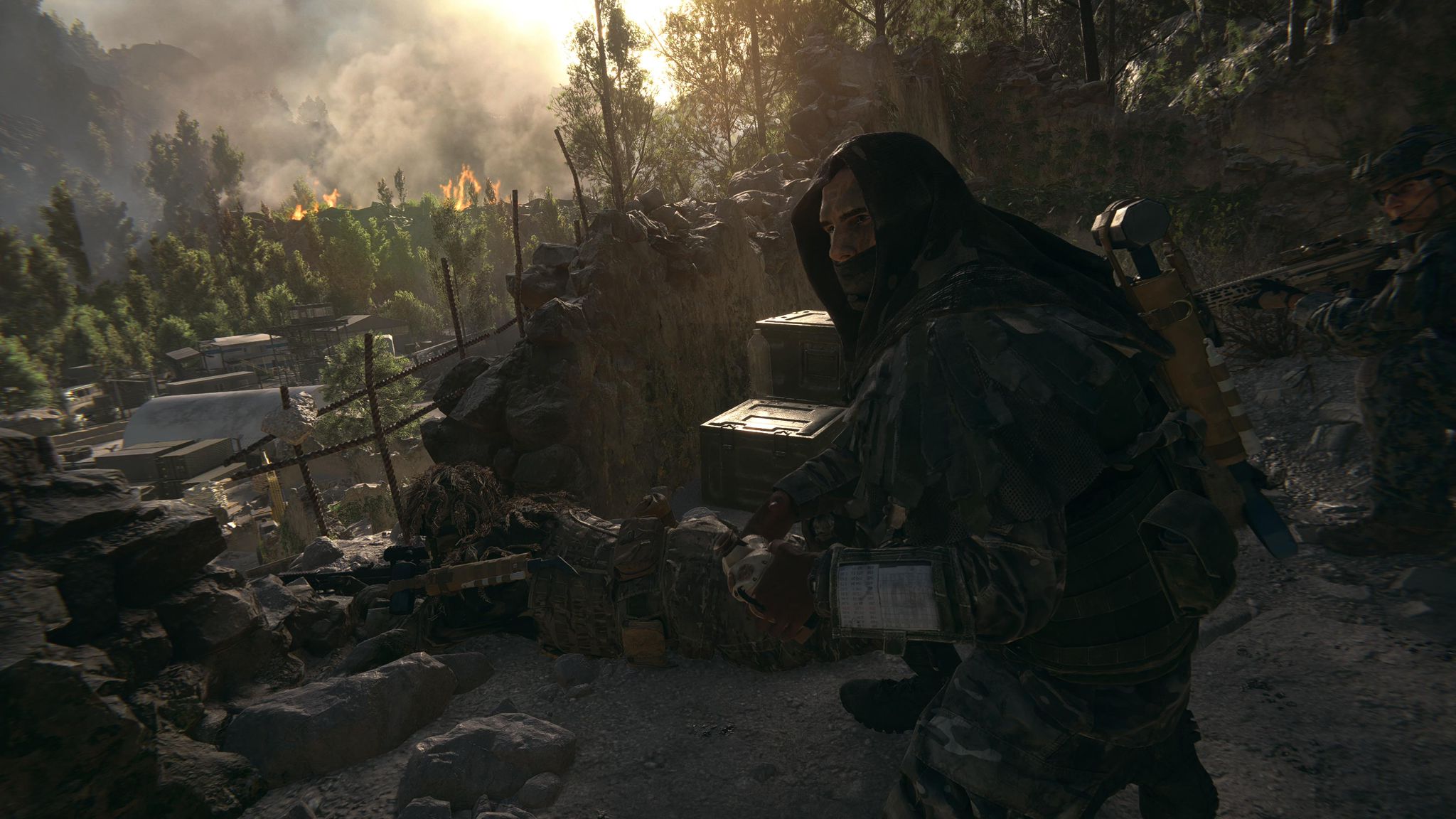

New free skin for Battlefield 6: steps to redeem it at no cost.
More stories in the category News
- Is GTA 6 expensive, the price continues to generate debate among players
- Fable could be delayed if it coincides with GTA 6, according to a new rumor
- Hogwarts Legacy 2 could be closer: Avalanche makes a move
| Don't miss anything and follow us on Google News! |
EA has activated a free soldier skin giveaway for Battlefield 6, available for a limited time through an external promotion. It’s the “System Override” look, which can be obtained for free and added permanently to your account.
The promotion is currently available, and the redemption process takes place through Gleam, with verification via Discord and subsequent activation on your EA account.
How to get the “System Override” skin for free in Battlefield 6
To get the code and redeem it correctly, simply follow these steps:
-
Access the promotion and scroll down to the question mark icon. — From here
-
Click the icon and select “Join #server-info”.
-
Click the green “Continue” button.
-
Log in with your Discord account when prompted to verify it.
-
After verification, you will receive a code on screen or via email.
-
Go to EA.com and access your account settings.
-
Open the menu, select EA Wallet, and then “Redeem a code”.
-
Enter the code and complete the process.
Once redeemed, the look will be linked to your account and available within Battlefield 6. A simple and cost-free promotion that’s worth taking advantage of before it disappears.


Founder and editor of SoloXboxOne and Generación Xbox. He is also one of the owners of the GX Group, Samsung Universe and the Reflotes forum. Adrian has reviewed over 200 games on the web and has an average score of 85 according to Opencritic. Among his expertise as a writer and analyst, he has interviewed Microsoft personalities and participated in private gaming events.
Related Post