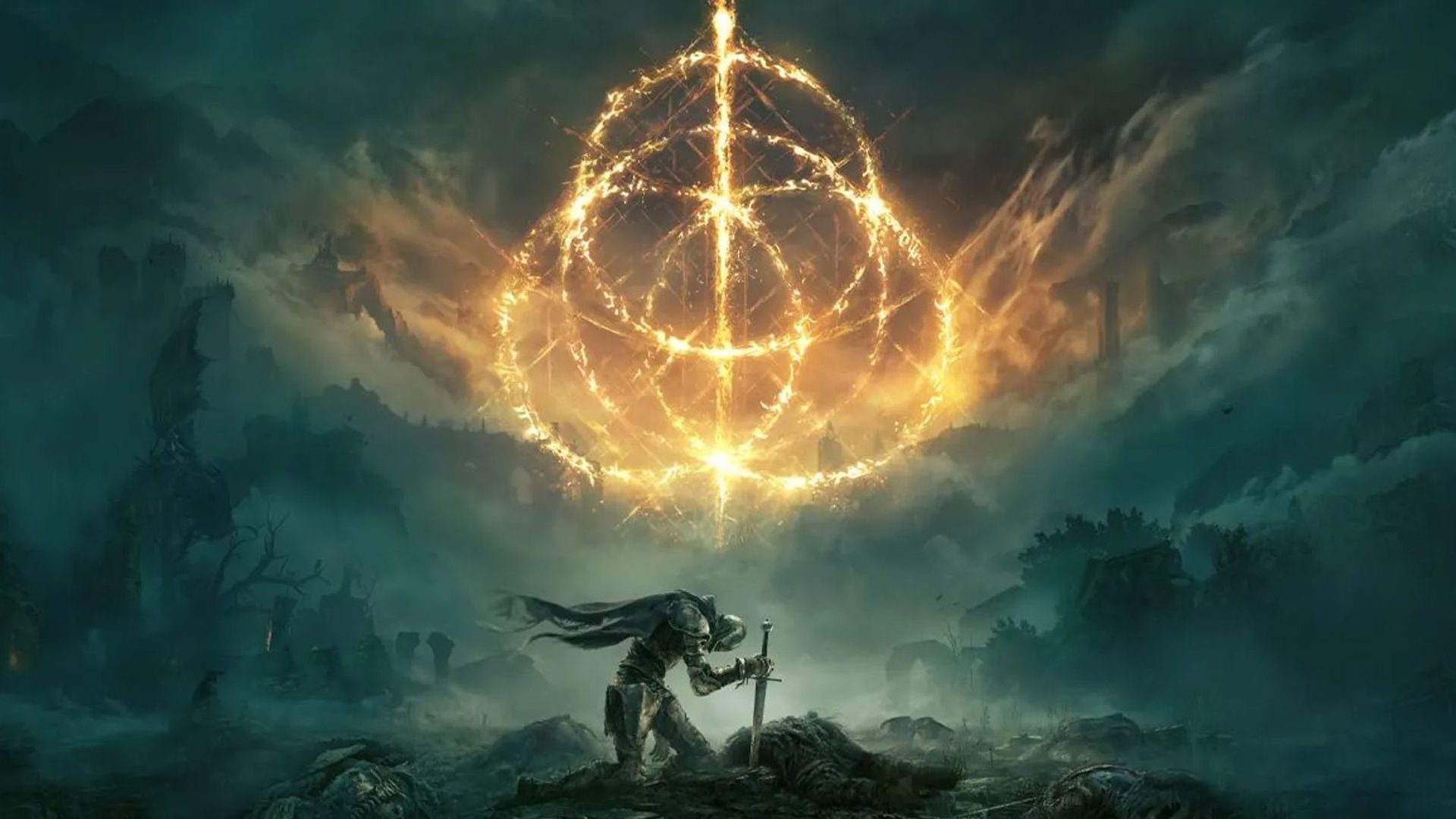

Can your PC run the game. Mandatory technical specifications.
More stories in the category Technology
- The Elder Scrolls: Blades will shut down its servers in June 2026 and already has an official date
- Download The Wreck for free on Android and iOS before April 2
- Beginner’s guide to freeing up space on a Mac
| Don't miss anything and follow us on Google News! |
Delving into one of those demanding action role-playing games can be like opening the door to another dimension, but beware, your PC is the passport, and nobody wants the journey to end just as it begins. Many players have learned this the hard way.
It’s not enough to want to explore: you need to know, from the start, if your machine will respond or run out of breath when it starts up. Here, I’ll explain clearly and directly what you really need to enjoy the adventure without stumbling in the first combat. In fact, it’s worth taking the time to review each part of the hardware before launching: you’ll avoid unnecessary frustrations and save yourself from disappointment.
On this journey, one wonders: can my PC handle it? Because the technical specifications are not a formality; they’re the line that separates the gaming experience from a sea of screen freezes and unexpected crashes. This is where the key factor comes in: the 64-bit operating system is the doorman who decides who crosses the threshold.
The curious thing is that, for many, this can be the first major hurdle if you have Windows 7 or 32-bit versions, because these systems don’t support the current title properly. If you want to delve deeper into the graphics aspect and ensure a smooth start, it’s a good idea to consult the best information about graphics cards available. It’s worth reviewing in detail before risking installing anything.
Can your PC run the game? Mandatory technical specifications
It seems obvious, but many times we overlook it: it’s not enough to just look at the list; you need to understand why each component is essential. The team needs a heart that can withstand it; that’s why a mid-range processor is even more relevant in battles where everything explodes at the same time. At the same time, RAM and storage compete to be the true silent heroes.
Instead of overwhelming you with equally relevant information from the start, I’ll list what your PC needs to survive, but first, consider that disk space, those famous 60 GB, open the door to a vast universe. While you can install it on a conventional disk, choosing a SSD unit literally accelerates access times and makes each load shorter. It’s like going from traveling by cart to getting on a high-speed train.
|
Component |
Minimum required requirement |
|
Operating System |
Windows 10 (64 bits) |
|
Processor (Intel) |
Intel Core i5-8400 |
|
Processor (AMD) |
AMD Ryzen 3 3300X |
|
RAM |
12 GB |
|
Storage |
60 GB of available space |
|
DirectX |
Version 12 |
The most curious thing is that, although the processor and hard drive do their job, the game actually demands a considerable amount of RAM. If you have 8 GB, don’t get excited: here the ceiling is 12, and you’ll notice when the scenarios start loading at the same time. More than one person has thought that with a modern card it was enough, but no: the lack of RAM makes the system simply say enough and you can’t advance.
The essential hardware to survive in games
It’s clear that the processor acts as the orchestra conductor: neither too old nor excessively expensive, but solid. Of course, you need to add RAM and that storage that’s almost always forgotten until the last moment. And, by the way, choosing devices that can handle DirectX 12 is much more than a recommendation: you’ll appreciate it in every corner of the map.
Why does it require so much RAM?
In previous games, maybe less was enough, but now memory serves as a safety net against information peaks. And yes, you’ll surely notice when it falls short in the middle of the game.
The graphics card required for basic visual quality
If we talk about visuals, any player knows: the required graphics card is the one that adds color, life, and detail to each scene. And the difference between a smooth experience and a pixelated mosaic can be tremendous if you choose a suitable GPU.
NVIDIA and AMD options to play without problems
In this landscape, the two usual brands, NVIDIA and AMD, share the starring role. And it’s not a coincidence: their compatibility with DirectX 12 is, today, absolutely necessary. Don’t gamble with old generations, because the graphics engine doesn’t even bother negotiating with the past.
The minimum alternatives, to be honest, are not from the latest generation, but they perform decently:
- NVIDIA GeForce GTX 1060: The 3 GB version holds up quite well, although sometimes you have to adjust details.
- AMD Radeon RX 580: Its 4 GB version also performs better than expected for its date.
Is the minimum video memory enough?
From experience, having just 3 or 4 GB of VRAM allows you to keep the visual aspect afloat, but if you’re one of those who hates slowdowns, sooner or later you’ll want to tweak settings to avoid sudden drops in fluidity.
Beyond the basics: how to improve overall performance
Being able to play doesn’t mean enjoying it to the fullest. Exceeding the minimum specifications makes the quality leap as evident as going from a sketch to a realistic painting. If you aspire to make every detail shine and the combats be fluid, the recommended hardware becomes an indisputable starting point.
Recommended components for a superior experience
Personally, I only recommend investing in updating when you know the difference will be real: an advanced processor, more memory, a graphics card… all add up to a rounded experience. If you’re up for it, here’s the most reliable list:
- Advanced processors: Intel Core i7-8700K or AMD Ryzen 5 3600X.
- Expanded memory: 16 GB of RAM, which gives you room for everything.
- Superior graphics cards: NVIDIA GTX 1070 or AMD Radeon Vega 56.
- Sound card: fully compatible with Windows and takes advantage of the sound environment.
Achieving this configuration ensures that the experience moves away from the minimum and gets you closer to what the developers really imagined. It’s like putting on a professional team before going out onto the field: more secure and exciting.
In the end, taking care of what you put inside your PC is like adjusting the wheels of your bike before a mountain route. If you pay attention to each main component, from the processor to the graphics card, and take them beyond the minimum limits, the journey will be, honestly, much less accident-prone. Review your parts, update where necessary, and build a solid foundation to truly enjoy the challenge that awaits you.


Cuenta oficial del Grupo GX destinada a realizar notificaciones sobre las noticias del grupo.
Related Post