
The new firmware of the Xbox Series X|S controller fixes failures.
More stories in the category Updates
- The trick to having the new Xbox features before anyone else: this is how you can be part of Xbox Insider step by step
- The Terran Armada Expansion of Starfield Already Has a Release Time in Spain and Latin America
- Lords of the Fallen receives a major cooperative update with all these changes
| Don't miss anything and follow us on Google News! |
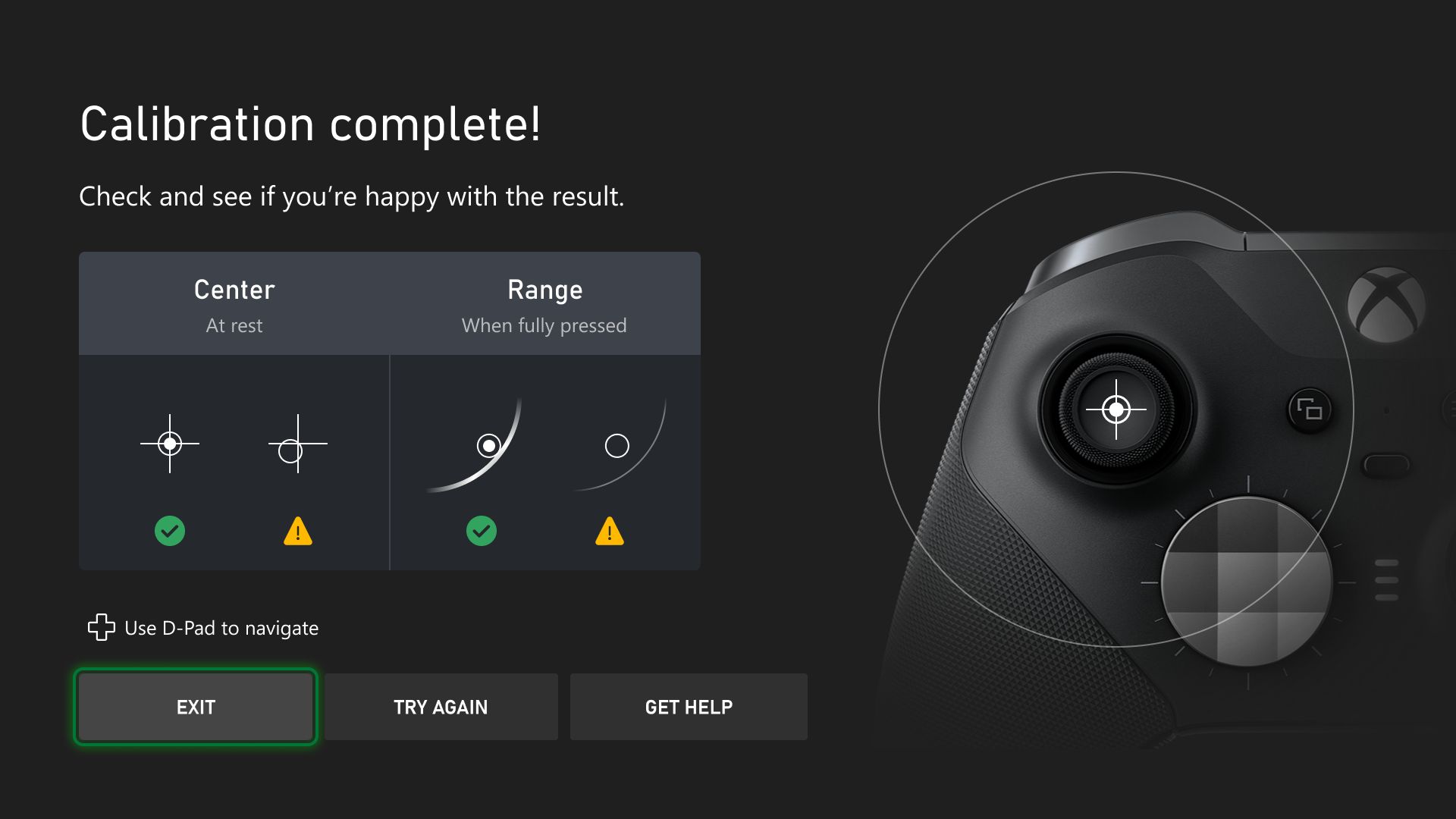
Microsoft has released a firmware update for Xbox Series controllers, which is now available to all users. This version, identified as V.5.24.4.0, focuses on improving the overall experience of the accessory and resolving an error that was affecting many players.
- You might be interested in: The latest Xbox GDK update improves integration between PC and console
In recent weeks, several users had reported a problem with button remapping using the Xbox Accessories app, where some custom configurations were not being applied correctly. With this new firmware, the issue should be resolved (or at least it should), ensuring that each player’s preferences are saved and work as they should.
How to update your Xbox Series controller
If you haven’t received the update yet, you can install it from your Xbox console by following these steps:
-
Connect your controller via cable or wirelessly.
-
Open the Xbox Accessories app.
-
Select your controller and choose the “Update” option if it’s available.
The update can also be applied from a Windows PC, as long as you use the official app. As usual, the process is quick and doesn’t require restarting the console.
Microsoft hasn’t detailed any other changes apart from this fix, but it seems that the update aims to strengthen the stability and compatibility of current controllers with upcoming games and features in the Xbox ecosystem.


Lover of videogames, Xbox, Halo and Gears of War.
Related Post