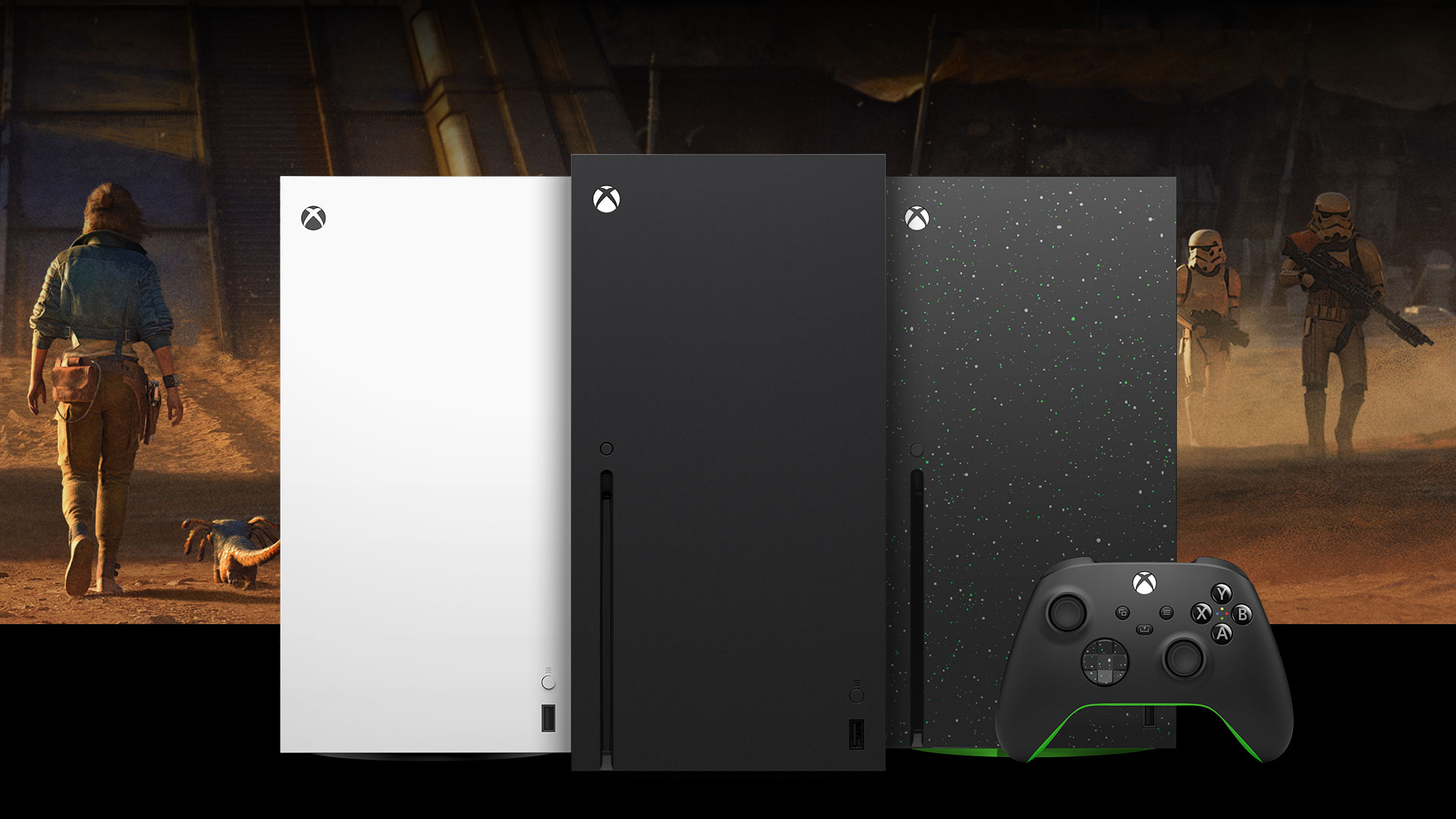

For this reason your Xbox Series games do not update by themselves.
More stories in the category News
- The Xbox strategy would have changed: Gears of War: E-Day would not be released on PS5
- Spain and Italy join forces to claim the dubbing of Tomb Raider: Legacy of Atlantis
- Wrap up the week with 4 new free games to add to your Steam library
| Don't miss anything and follow us on Google News! |
Many Xbox Series players have experienced the same issue: you turn on your console after days (or weeks) of not using it, choose a game, and just when you’re about to start playing, a mandatory update appears. All this despite having the “Keep my games and apps up to date” option enabled. Far from being a bug, it’s a deliberate system limitation that’s not always well-explained.
- You might be interested in: This hidden Xbox feature can save your Christmas
The key lies in an internal Xbox rule: automatic updates only apply to games and apps you’ve used in the last 28 days. If a title hasn’t been run within that period, the console stops downloading its patches automatically, even if it’s still installed and you have plenty of disk space.
What’s the reason behind this decision?
Microsoft prioritizes efficiency. The system is designed to reduce bandwidth, energy, and resource consumption by only downloading what it considers “active”. The logic is simple: update what you play frequently so it’s ready at a moment’s notice, and put what you don’t use regularly on the backburner.
The problem arises when this criterion doesn’t match the actual usage of many players. There are users who play sporadically, others who switch between many titles, and others who simply can’t connect every month. In all these cases, the result is the same: unexpected updates just when you want to play, especially frustrating if you have limited time or are about to join a multiplayer session with friends.
Can this behavior be changed?
- Currently, no. Xbox doesn’t offer an option to force automatic updates for the entire installed library. It doesn’t matter if you have 1 TB, 4 TB, or a large-capacity external drive: the system will still apply the 28-day filter.
The only alternative is to update manually by going to the downloads section and forcing updates before playing, something many users consider impractical and easily avoidable with an additional system option. A feature designed to optimize resources that, in practice, continues to generate confusion and frustration among Xbox Series players.


Founder and editor of SoloXboxOne and Generación Xbox. He is also one of the owners of the GX Group, Samsung Universe and the Reflotes forum. Adrian has reviewed over 200 games on the web and has an average score of 85 according to Opencritic. Among his expertise as a writer and analyst, he has interviewed Microsoft personalities and participated in private gaming events.
Related Post